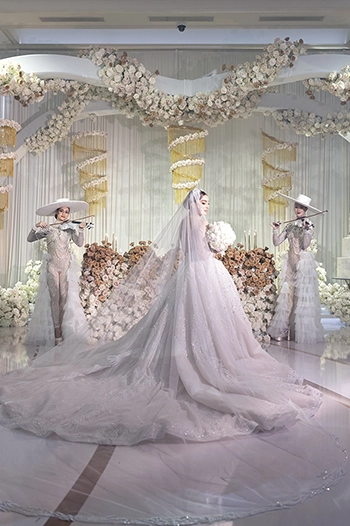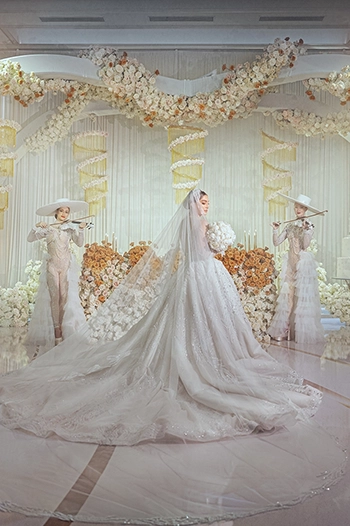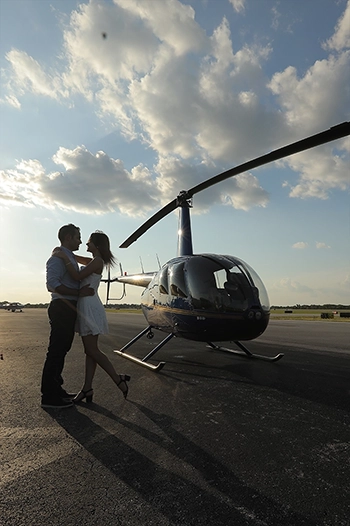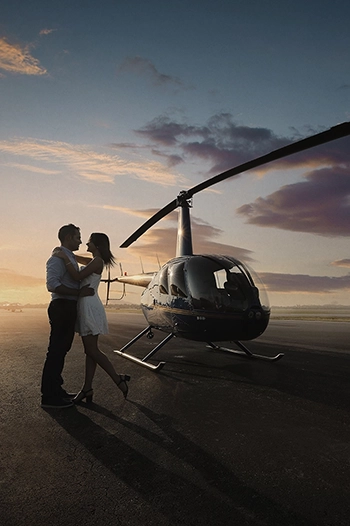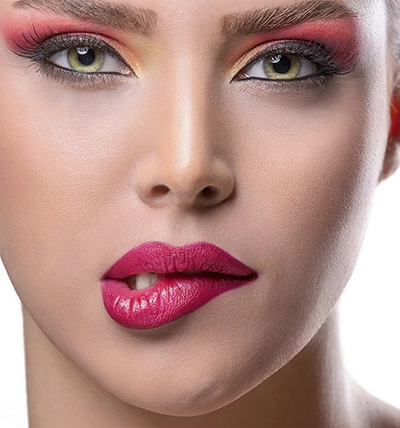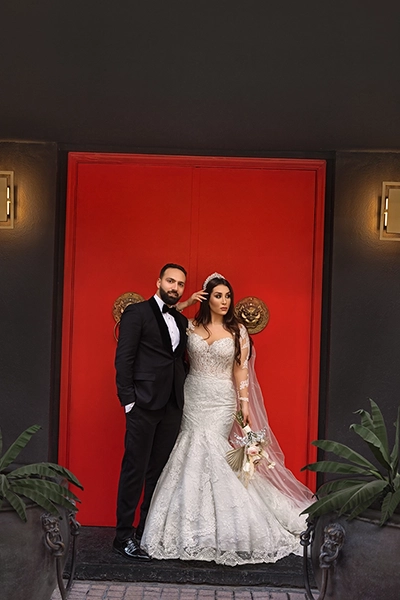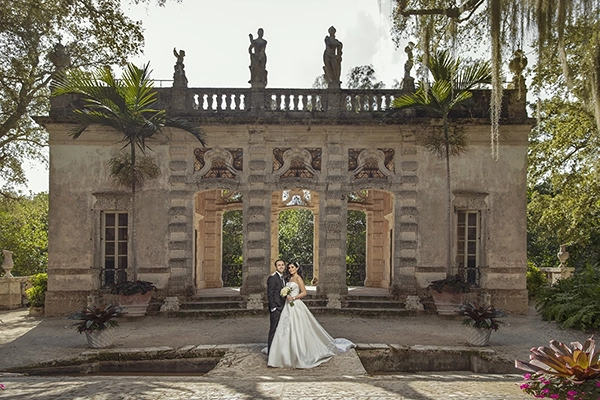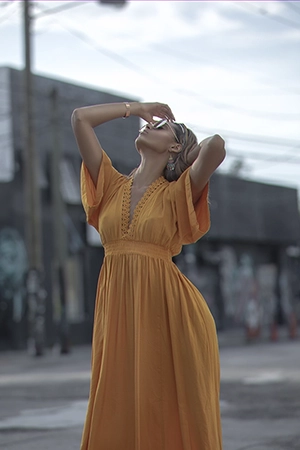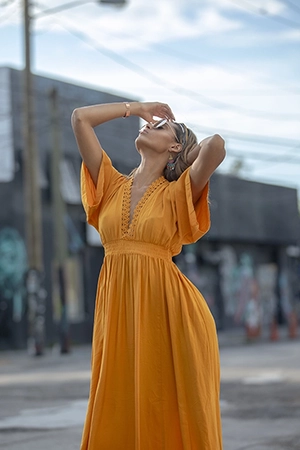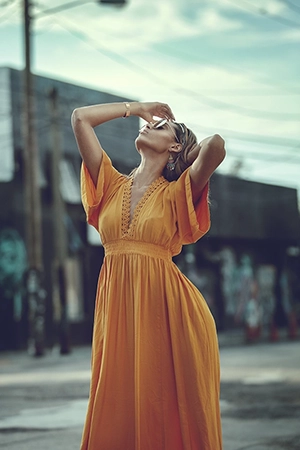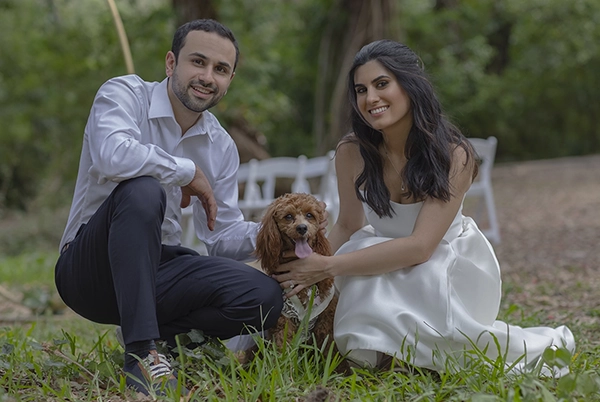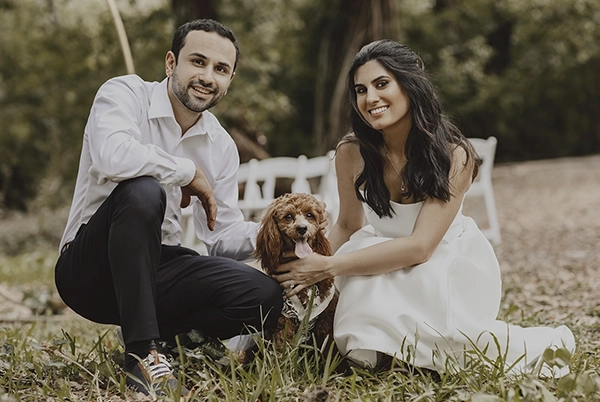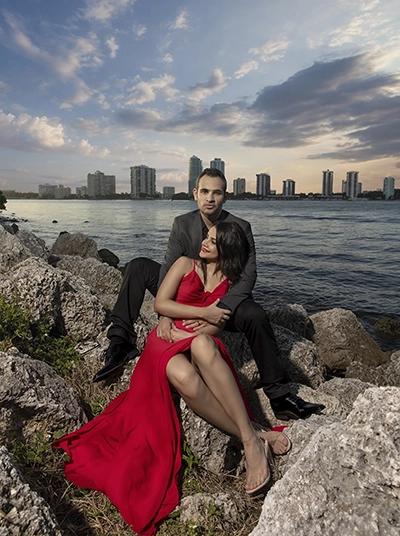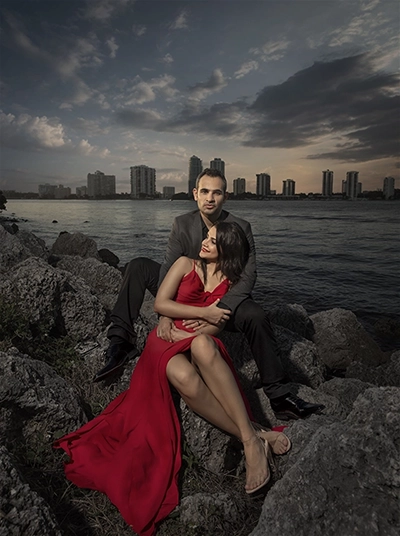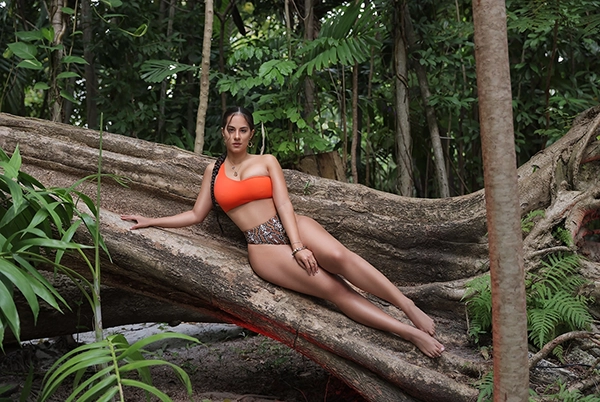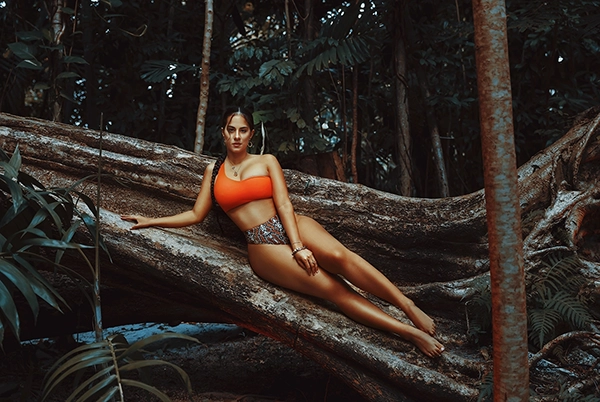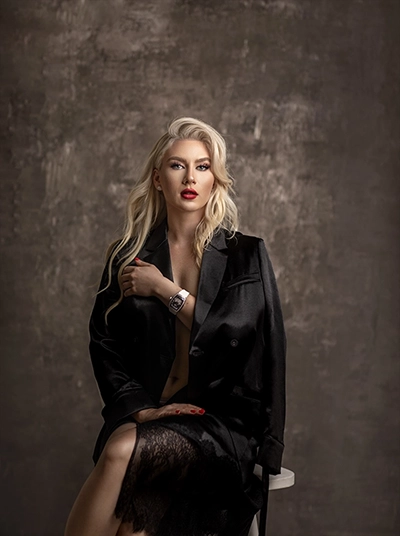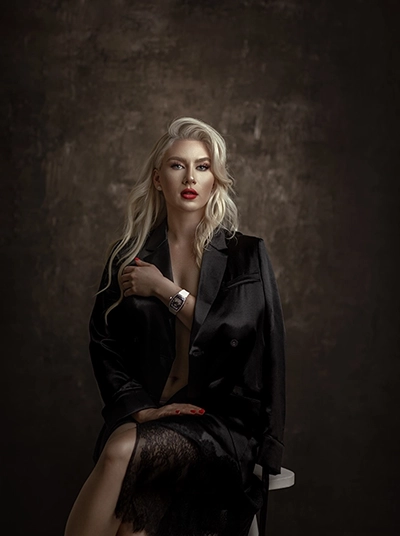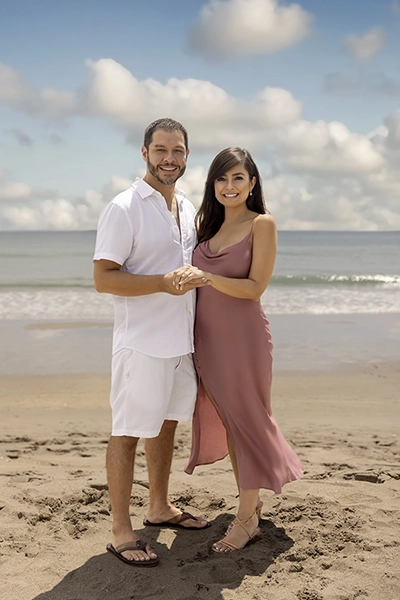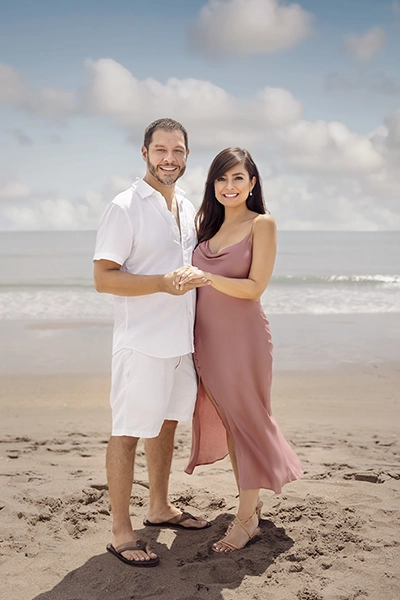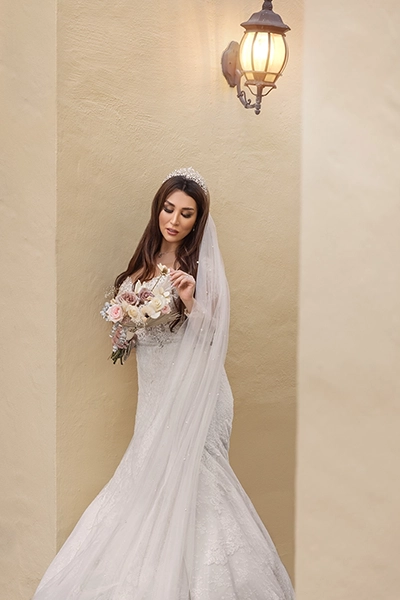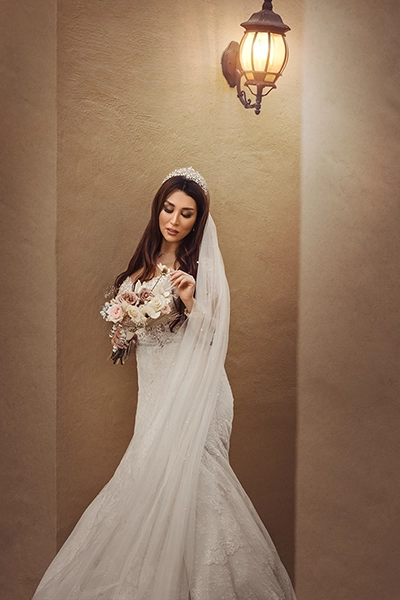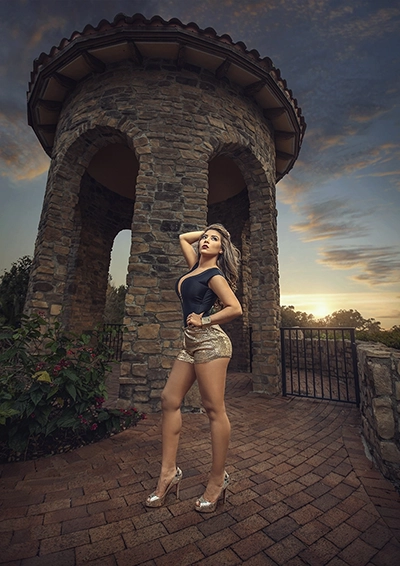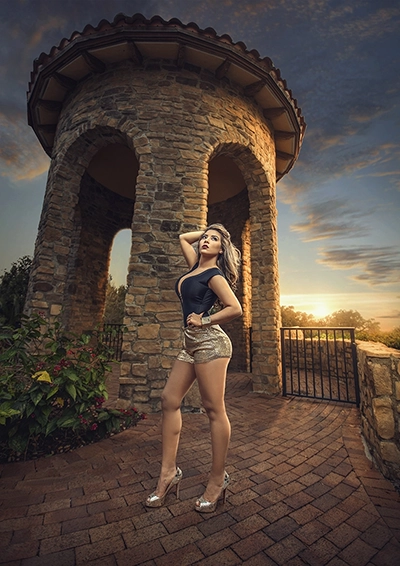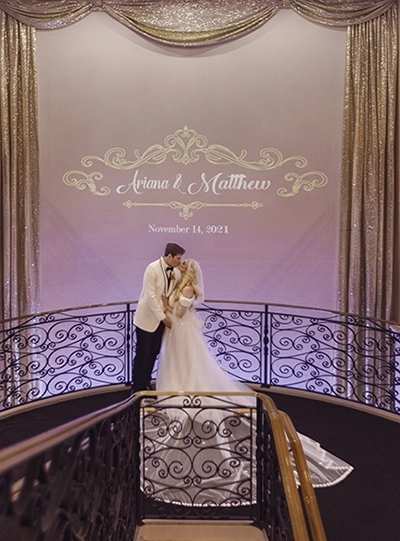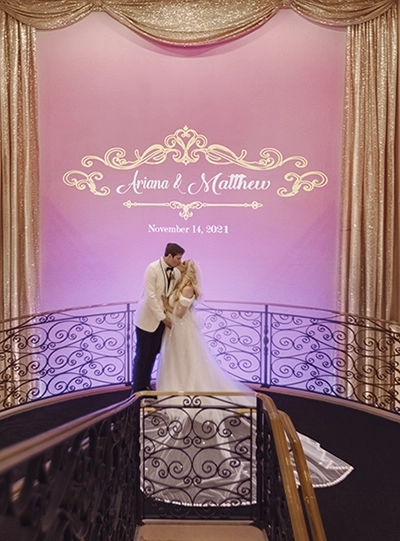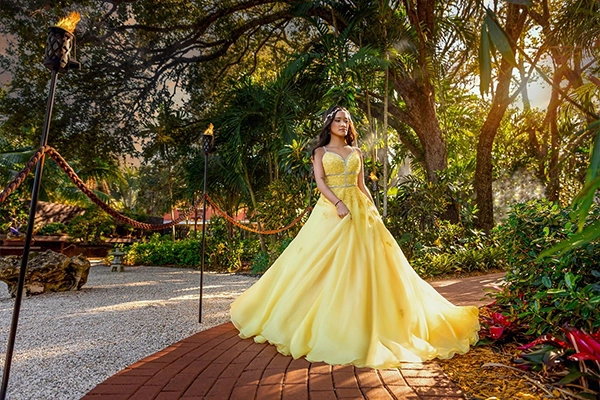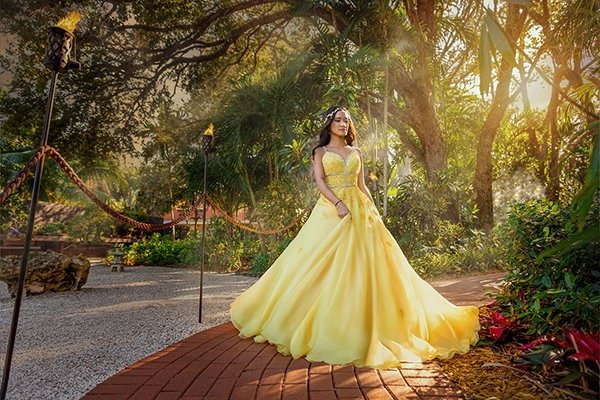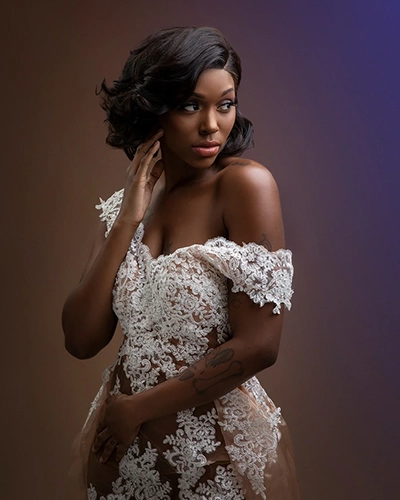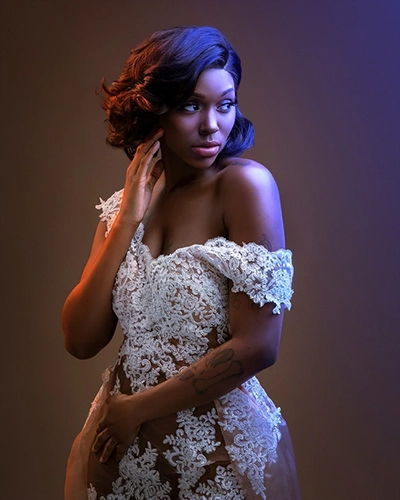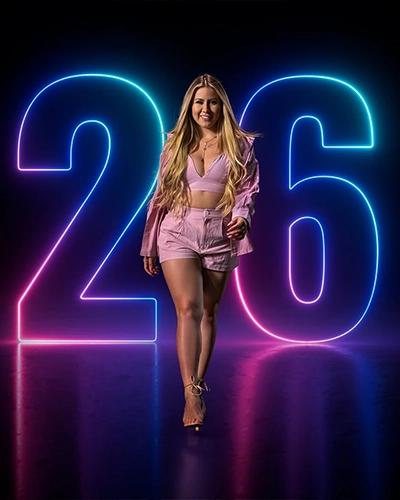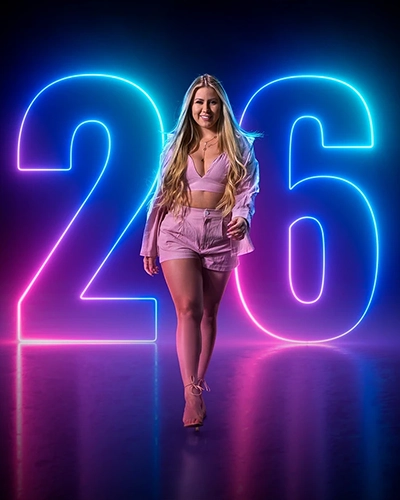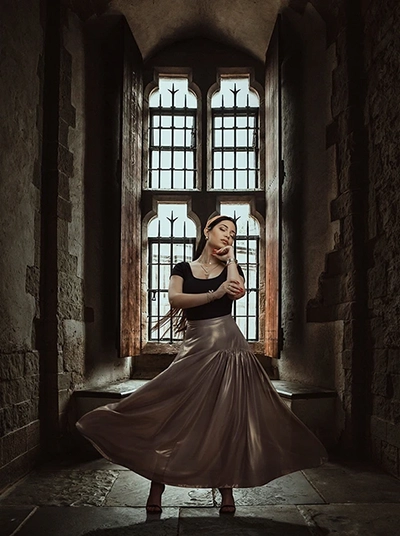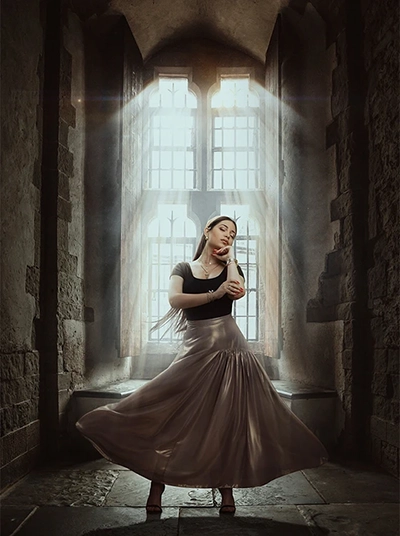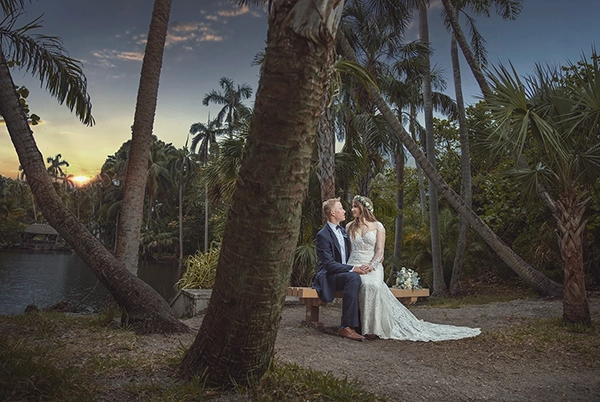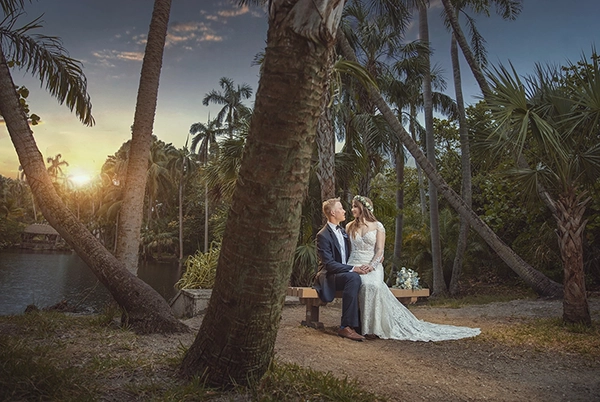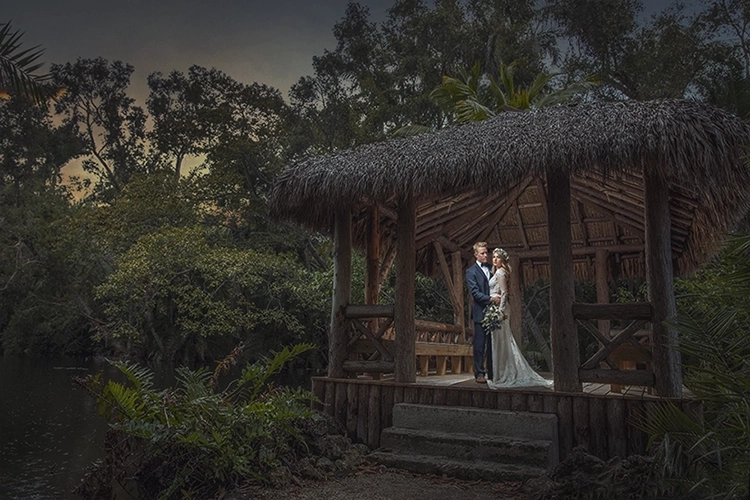
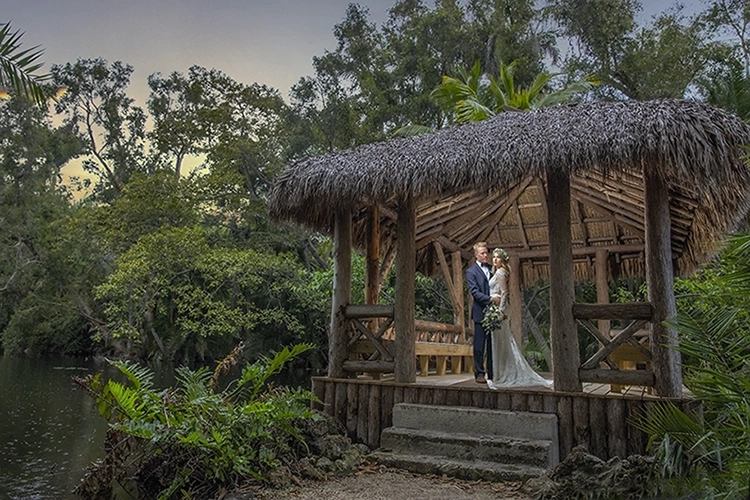
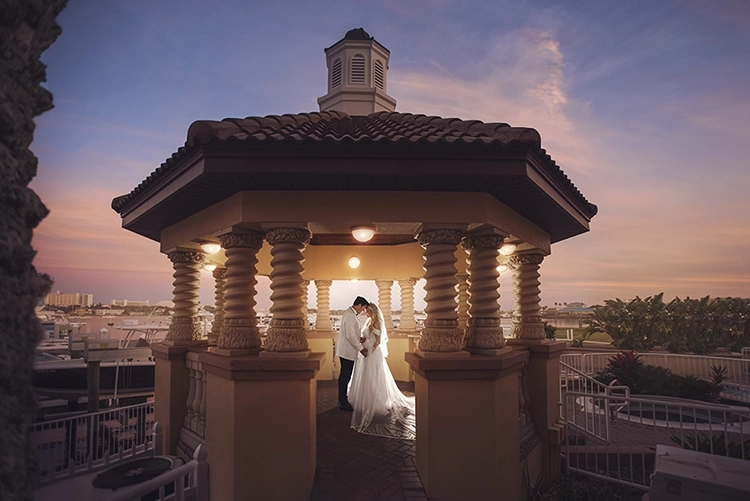
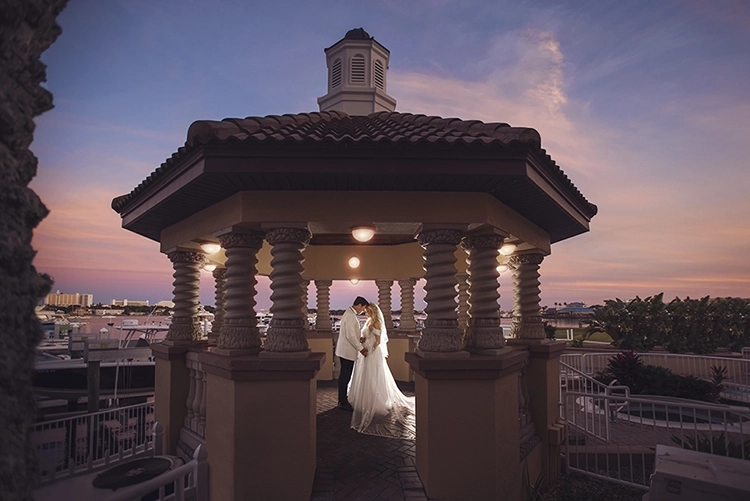
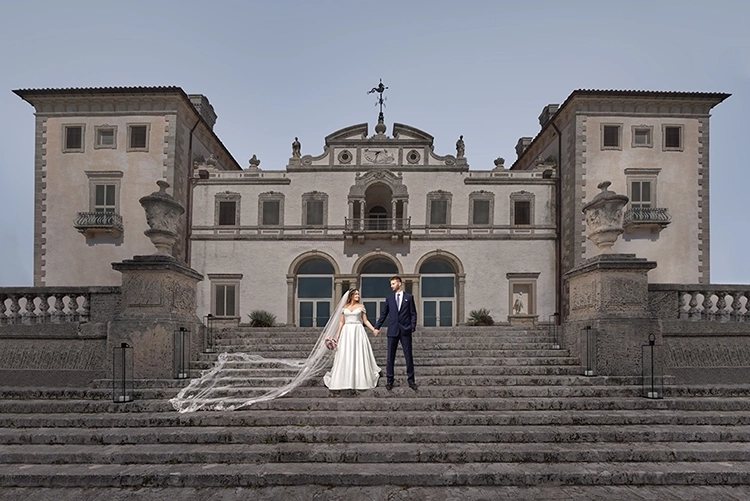
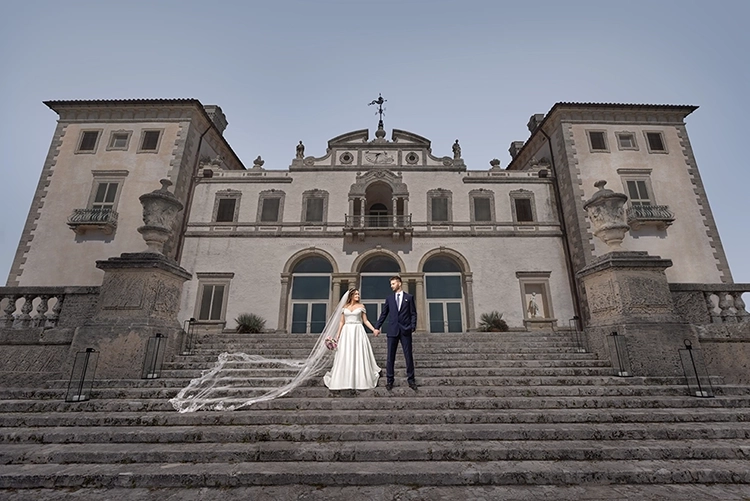
Creative Edit

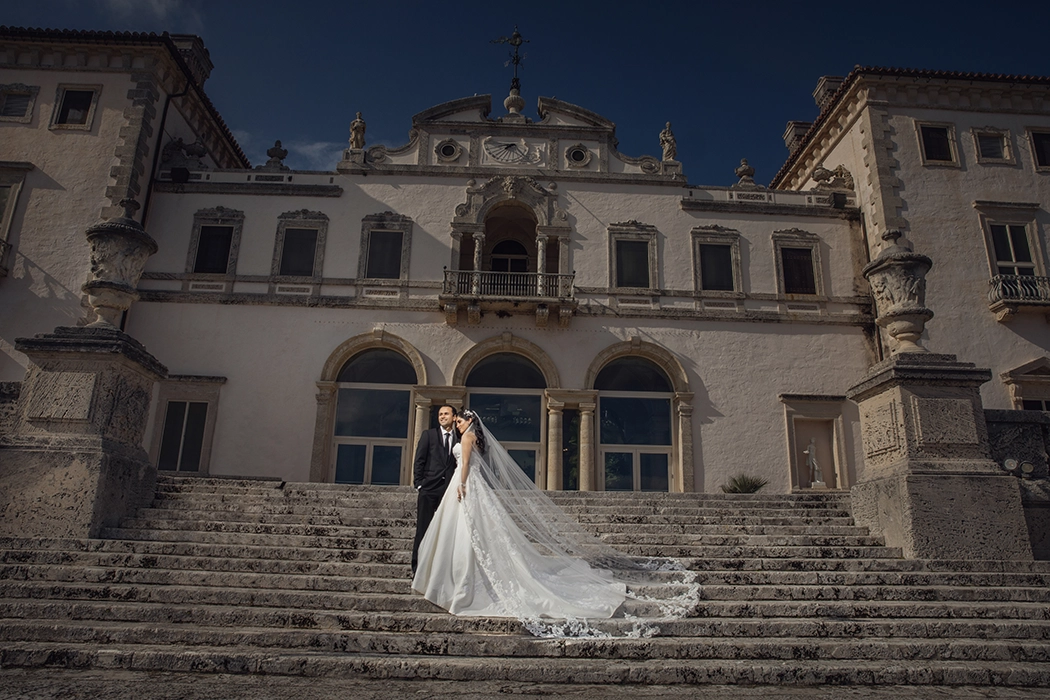
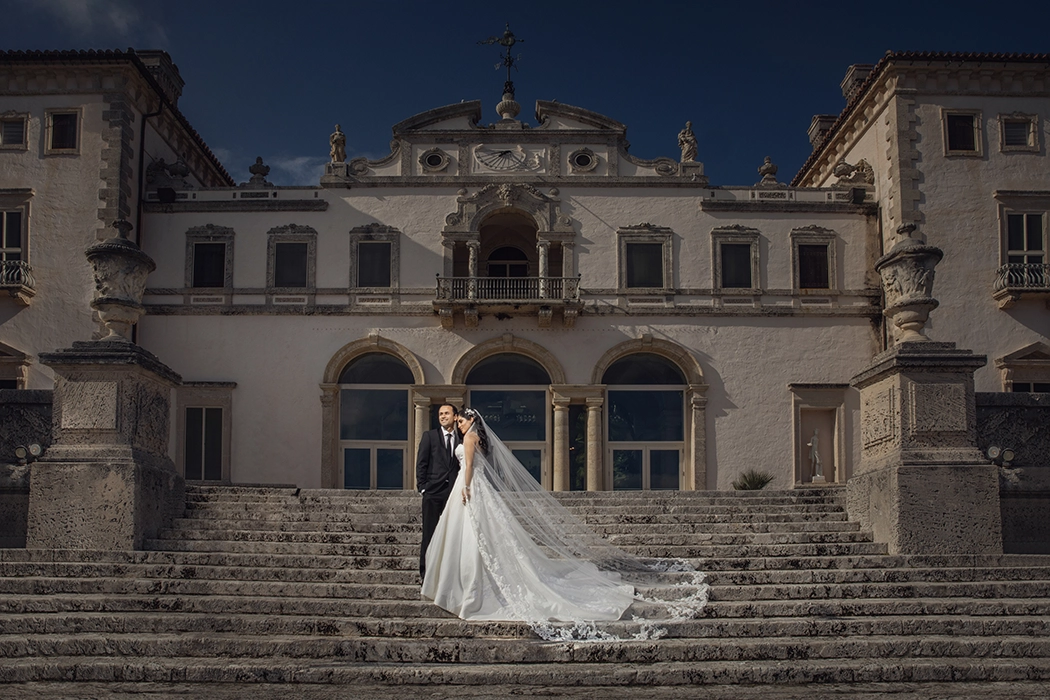
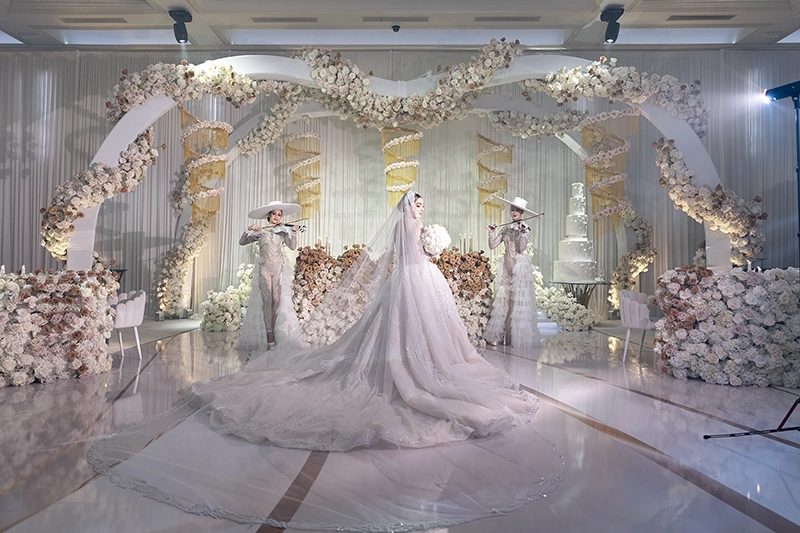
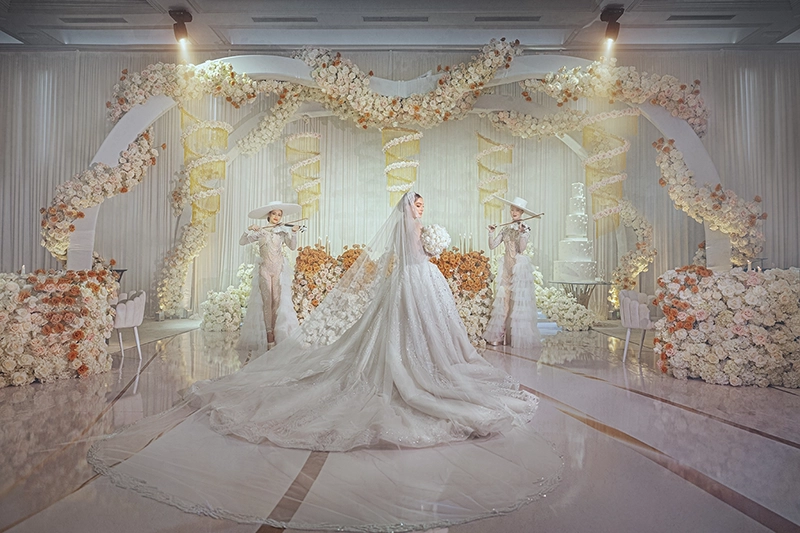
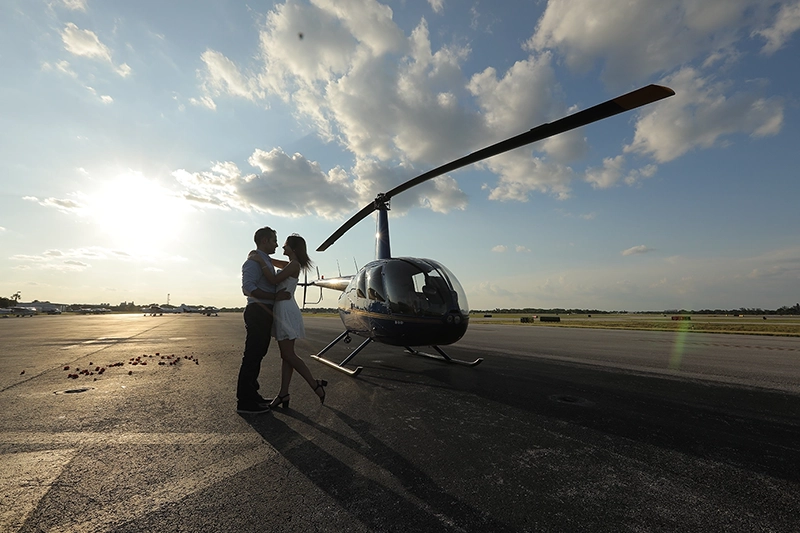
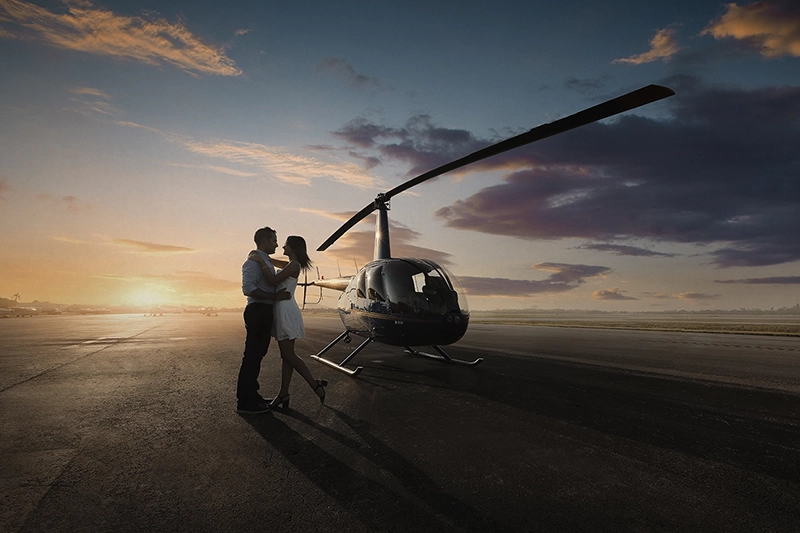
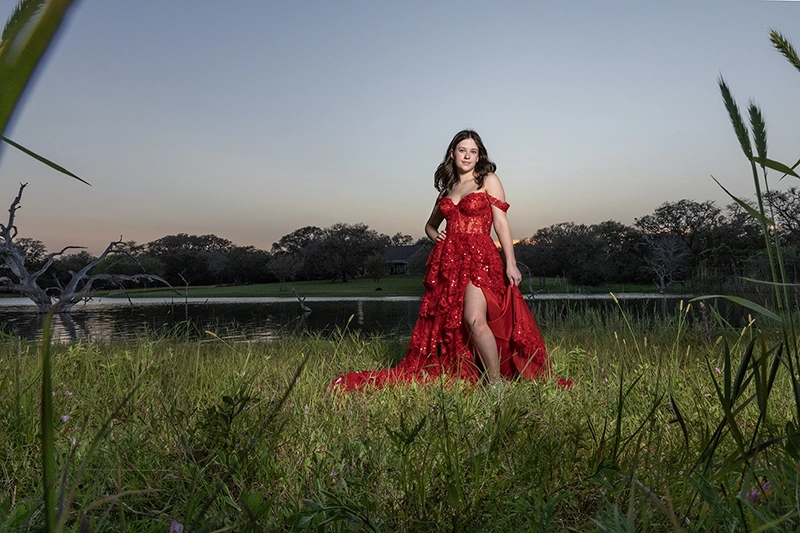
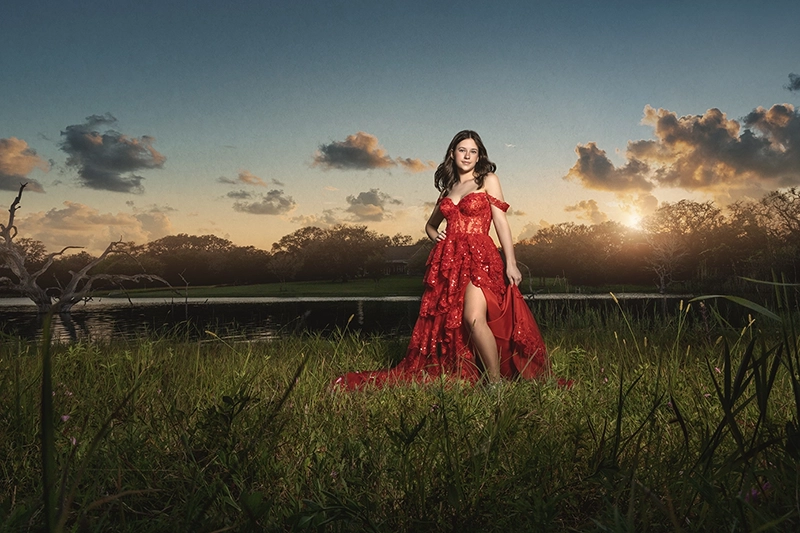
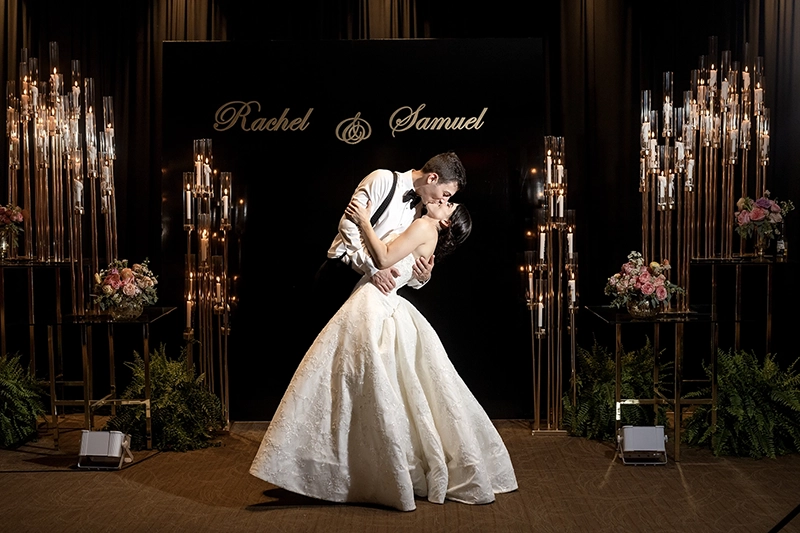
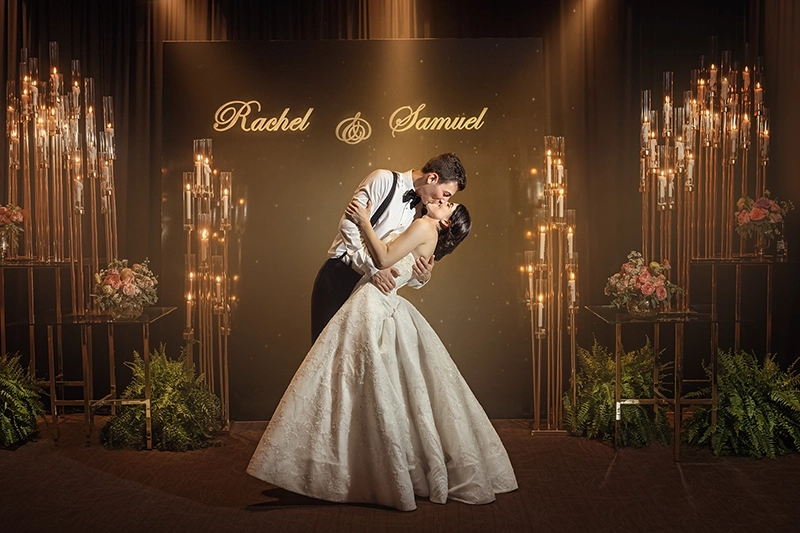
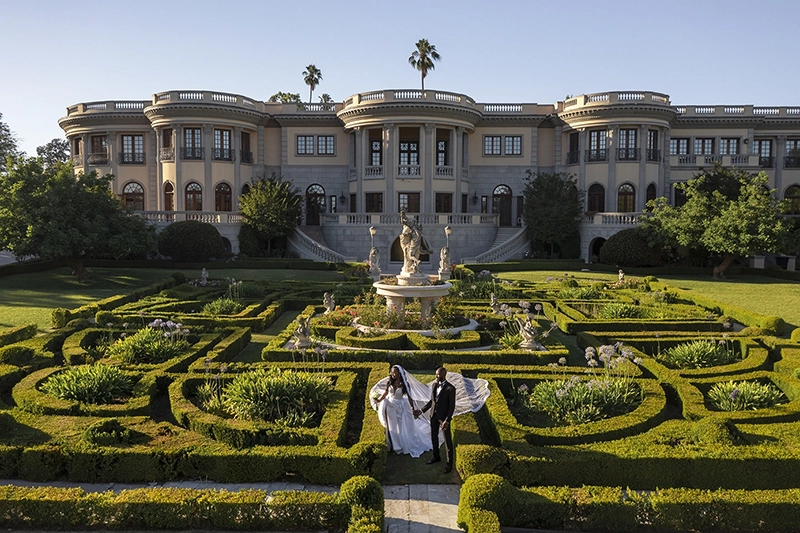
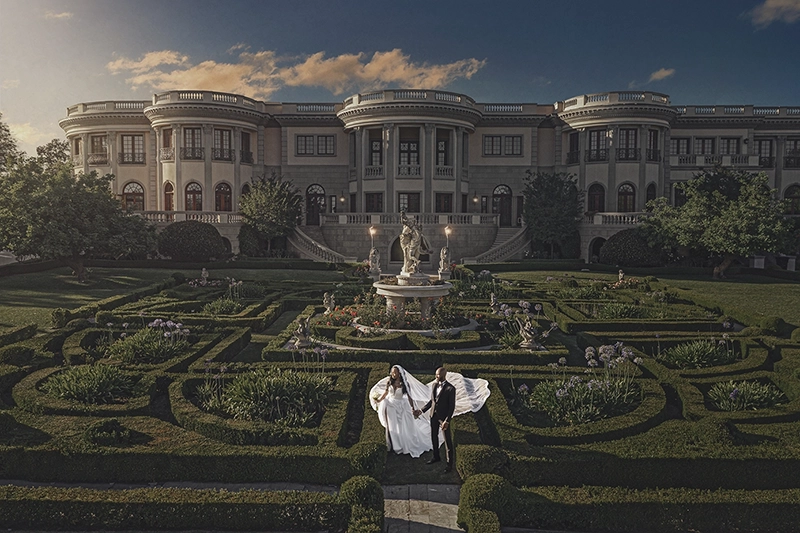
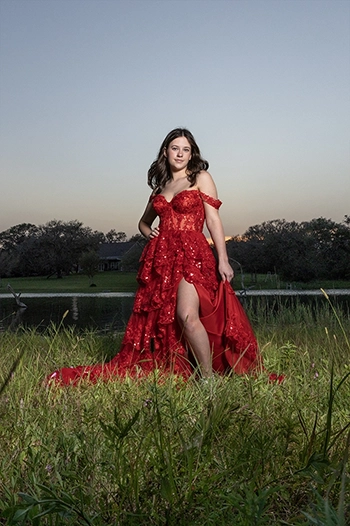
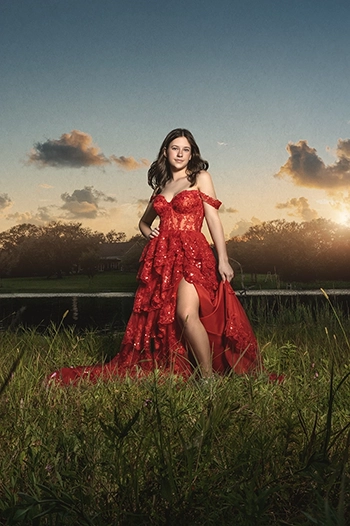
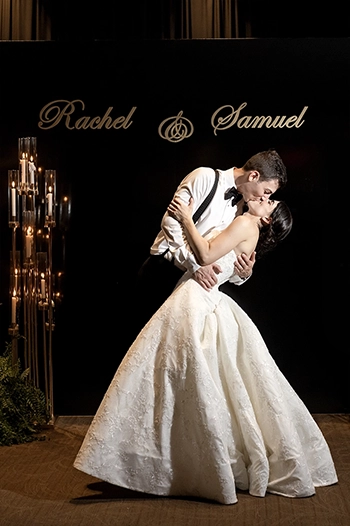
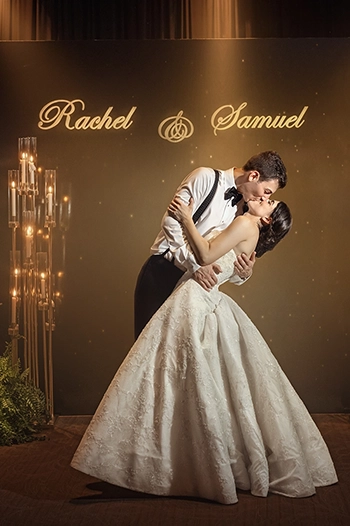
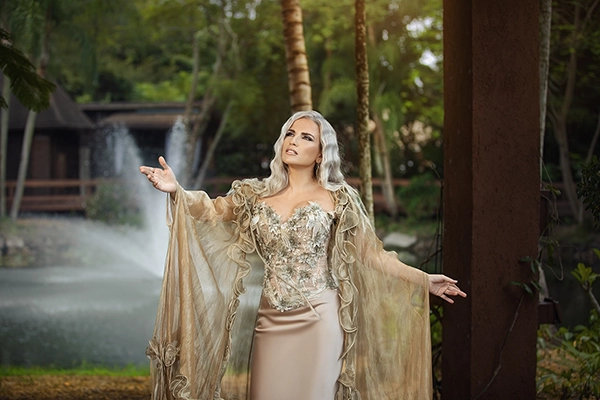
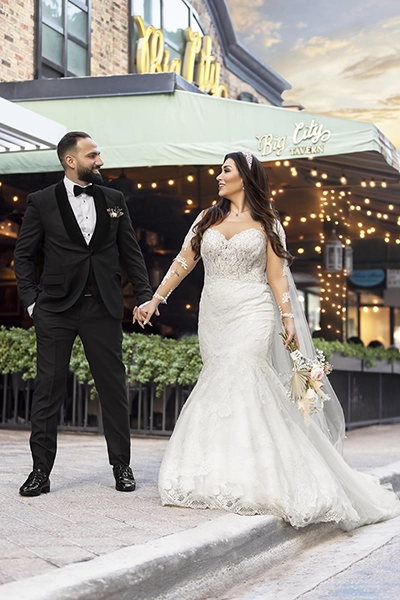
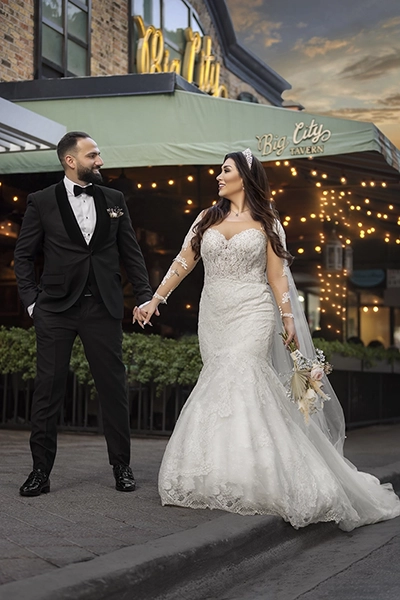
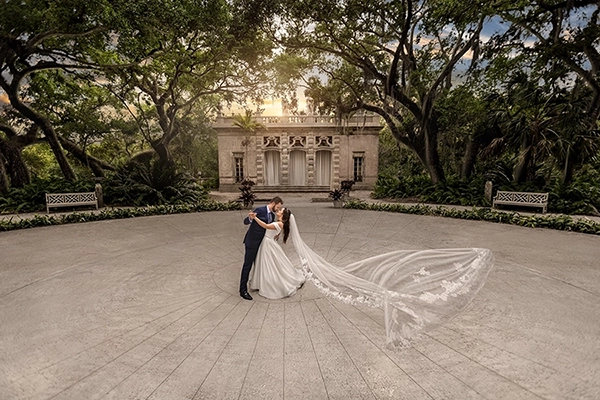
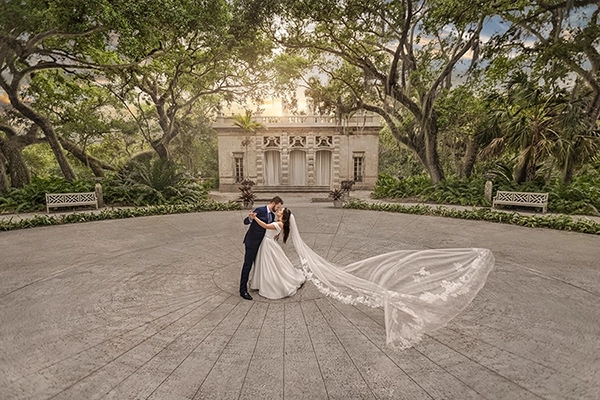
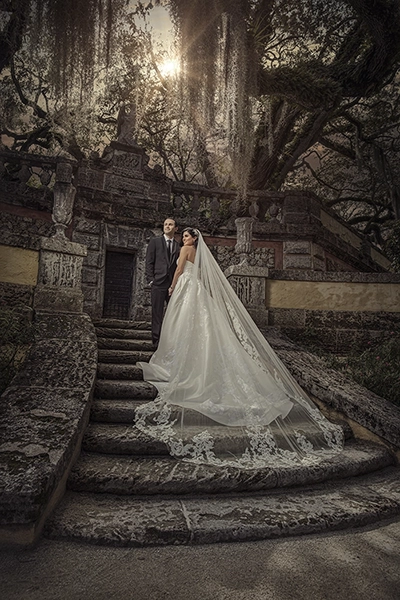
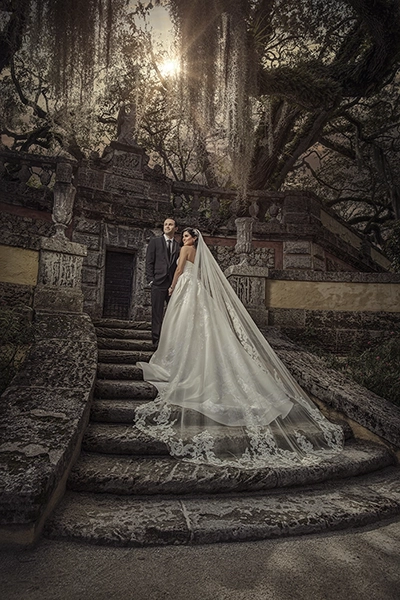
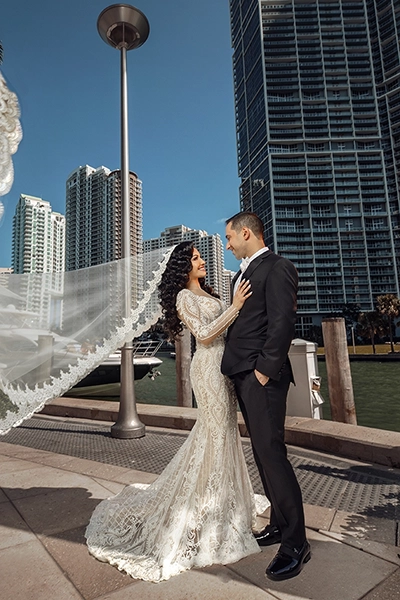
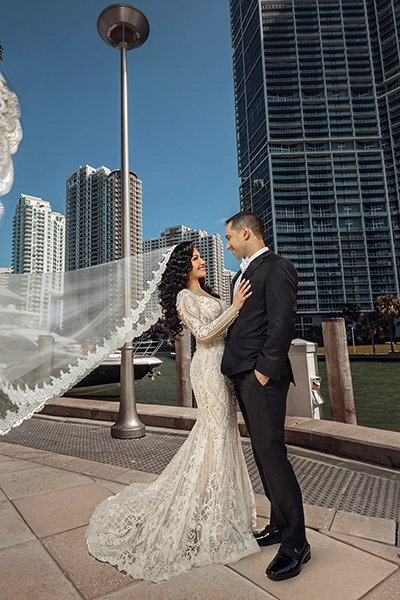
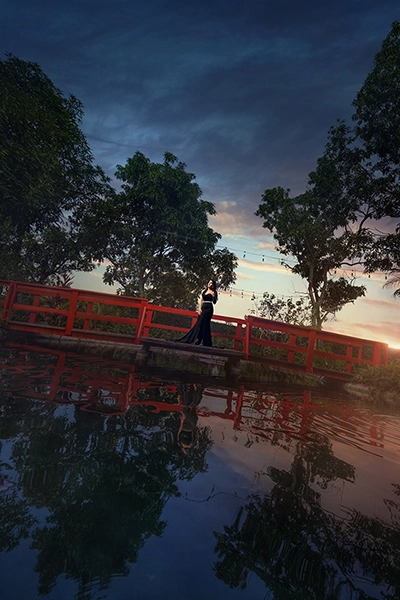
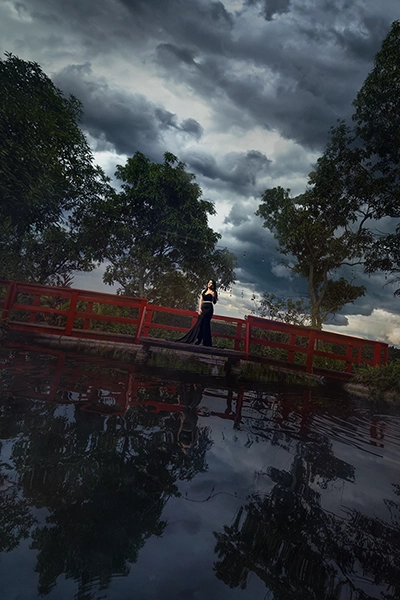
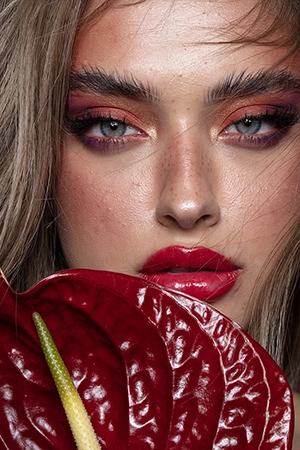
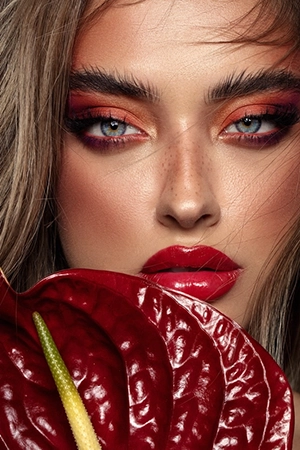
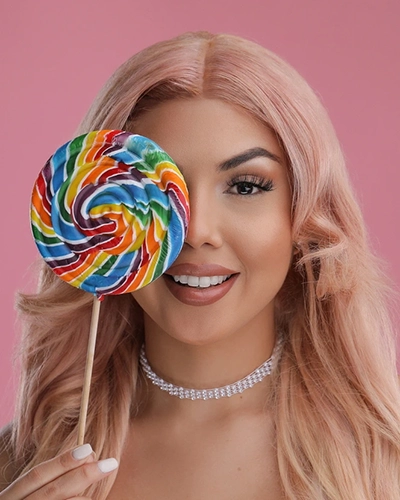
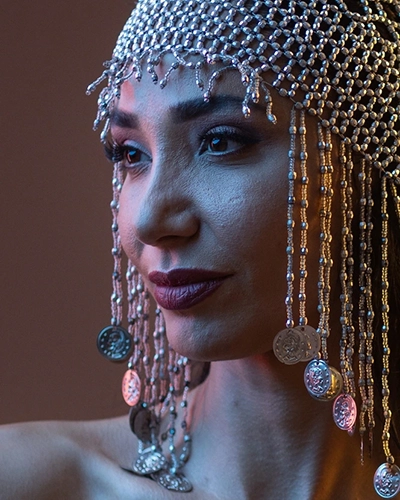
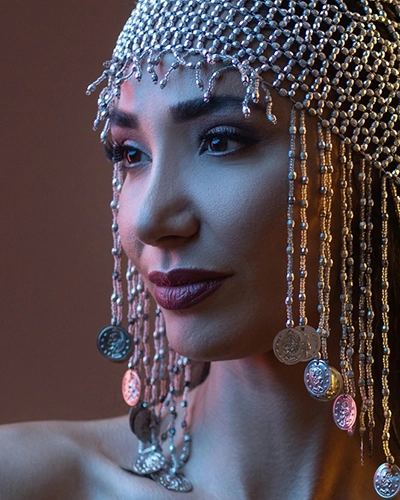
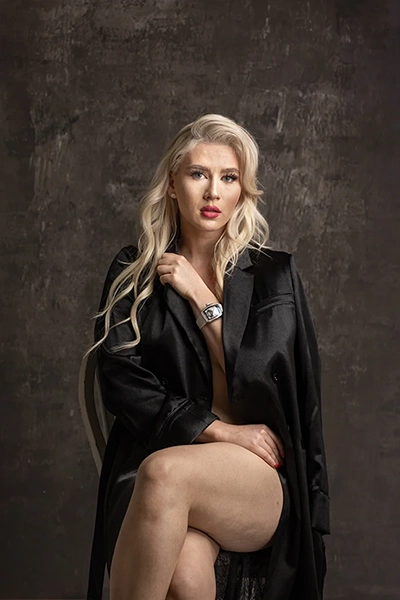
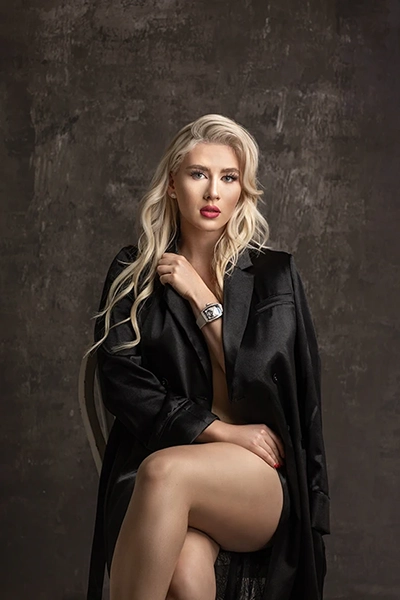
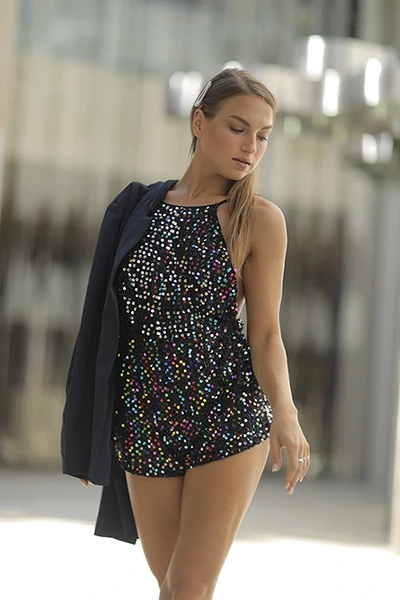
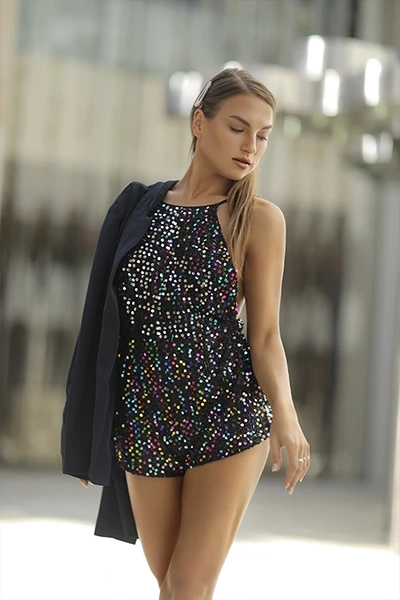
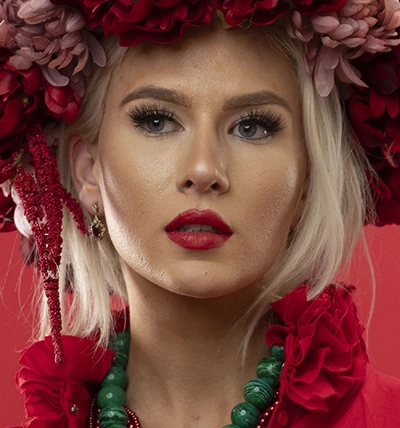
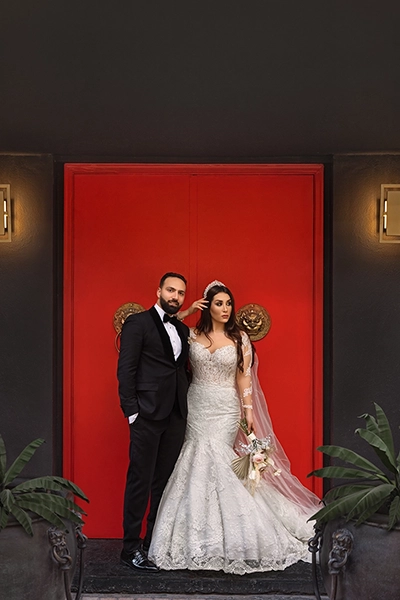
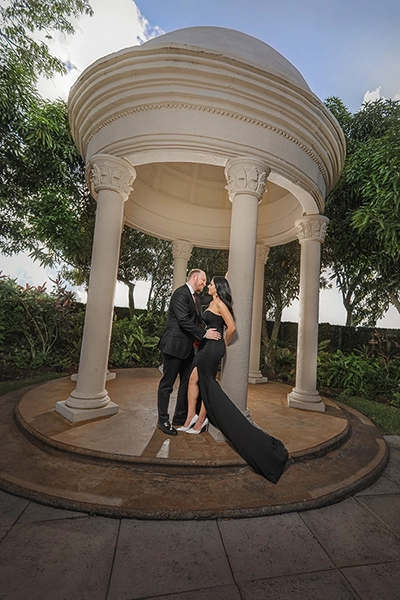
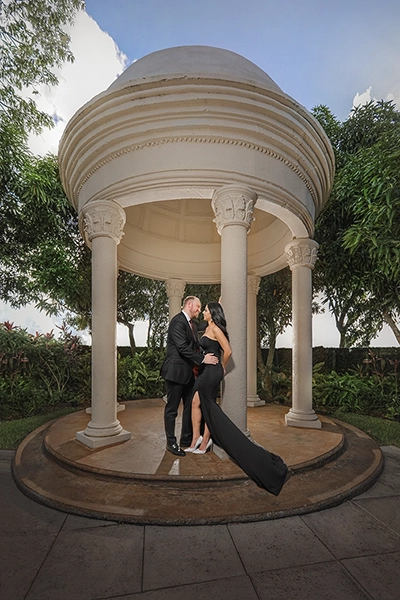
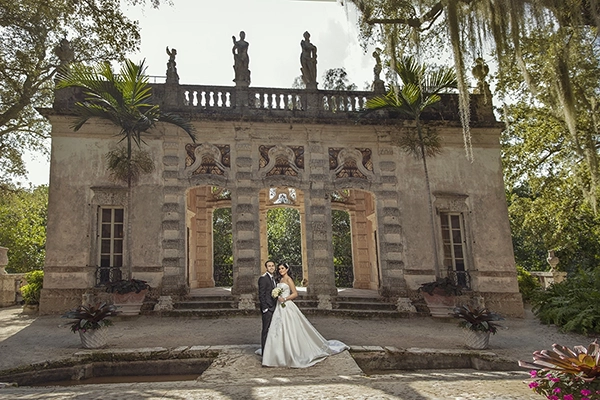
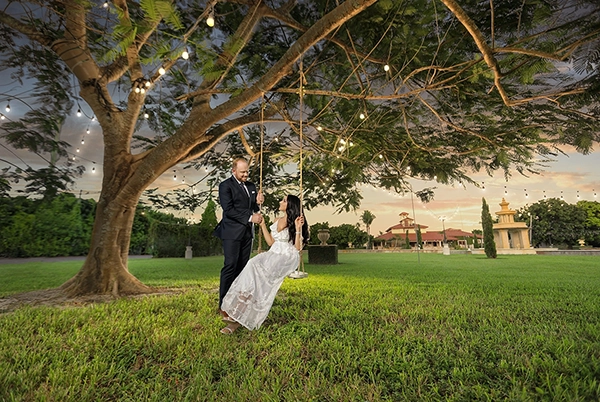
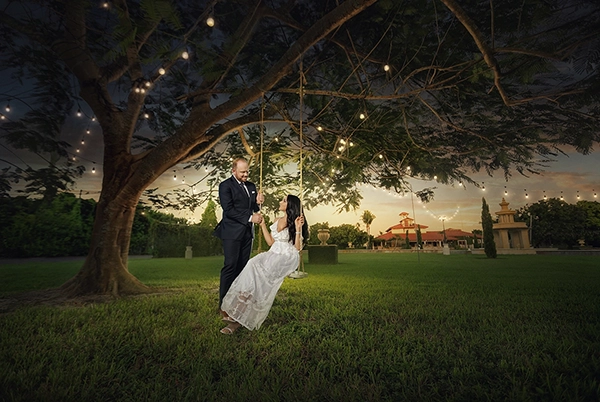
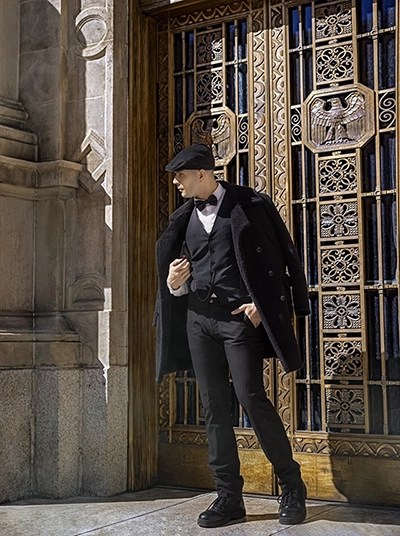
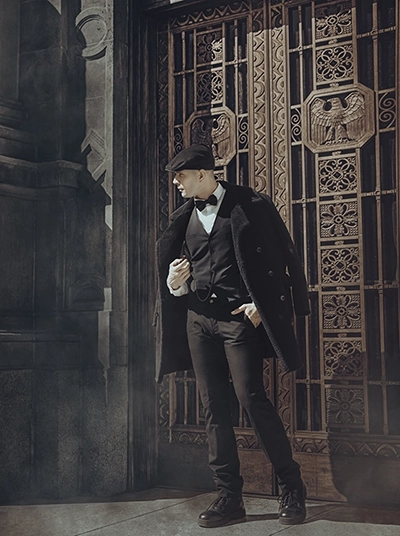
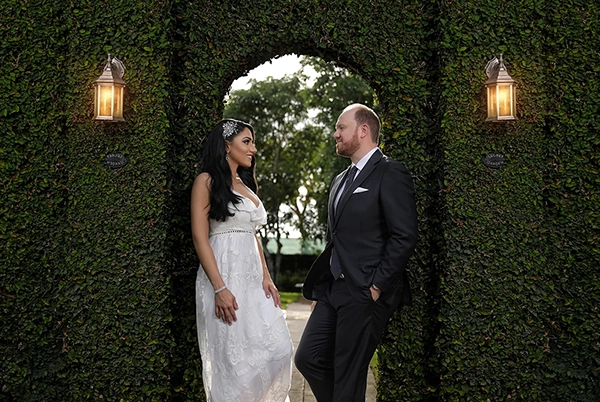
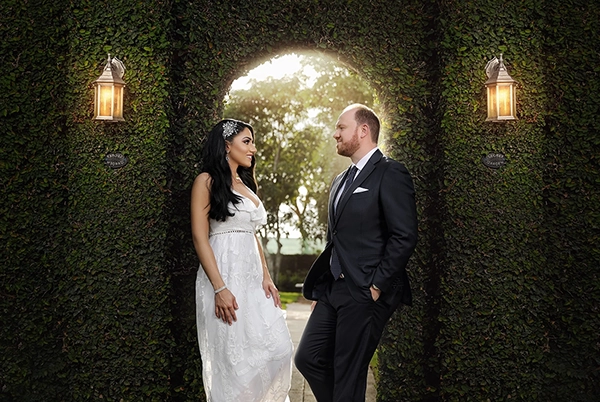
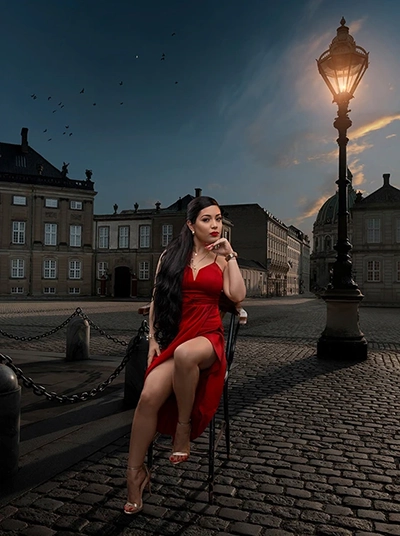
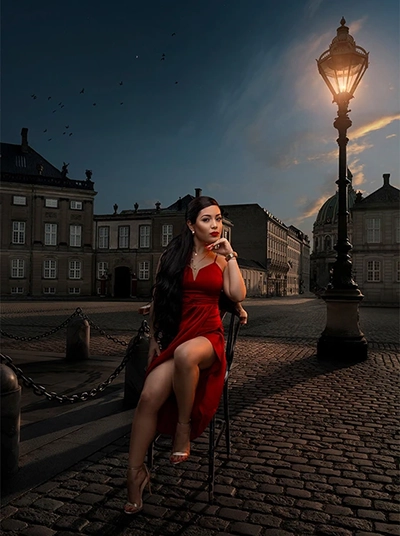
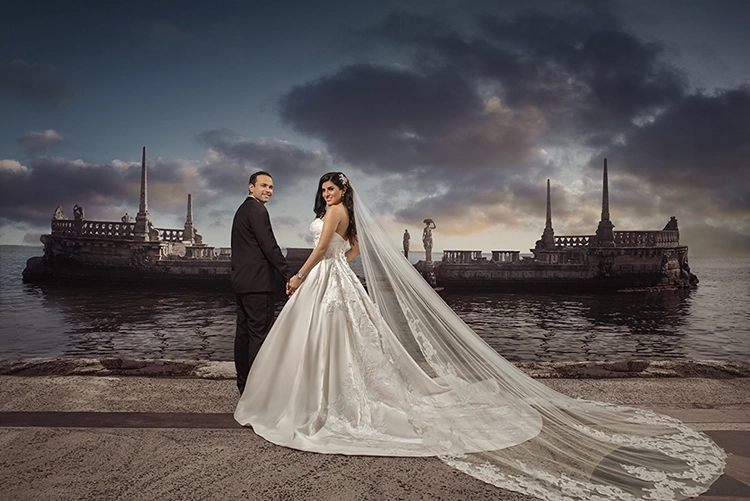
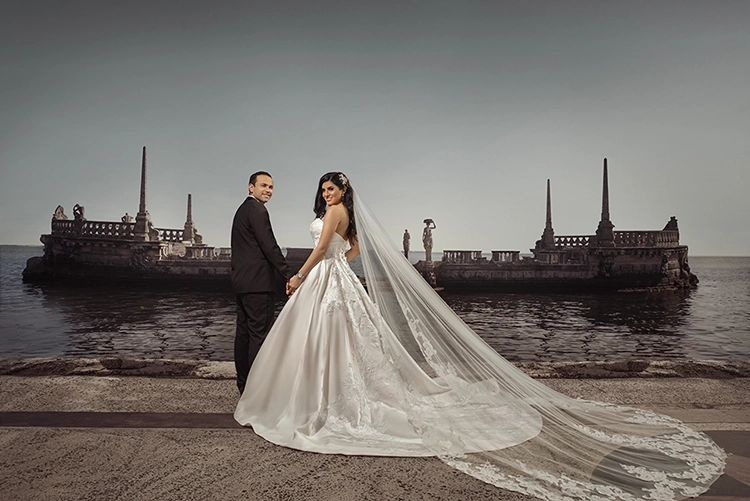
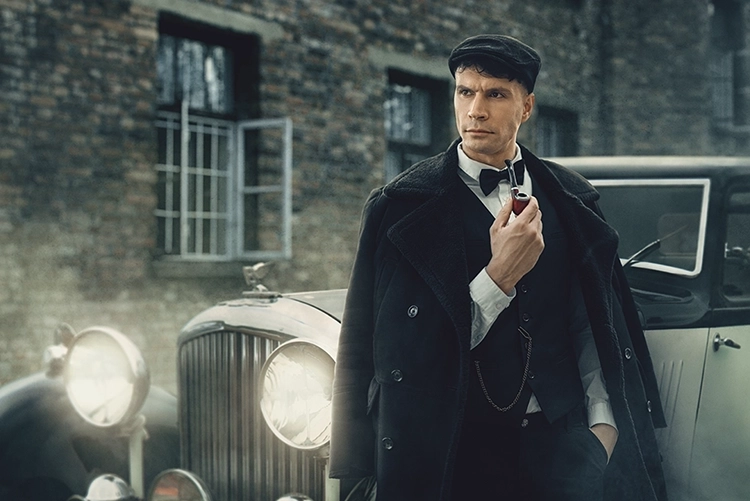
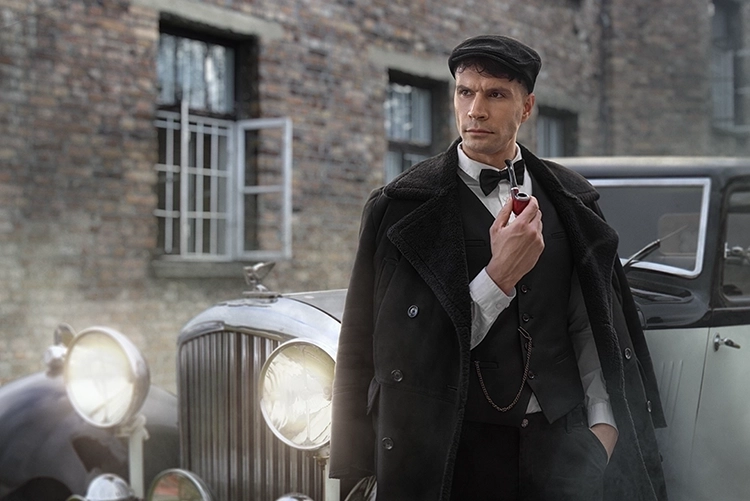
This high-end service is designed for photographers who want to turn their images into true masterpieces. You may customize your edit by adding different elements, sky replacement, frequency separation and more. We create stunning wall-art edits, carefully crafted visuals ready to be printed and proudly displayed.

No Membership

$90 | Per Image

Pro Membership

$72 | Per Image

Basic Membership

$81 | Per Image

Add Elements in  Creative Edit

Want your edit to stand out even more? Simply choose from our selection of complimentary elements to enhance your image.
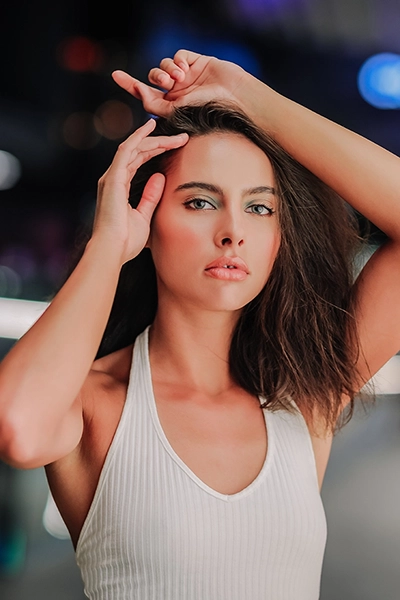
Lightroom Basic - Light - Before Lightroom Basic - Light - After
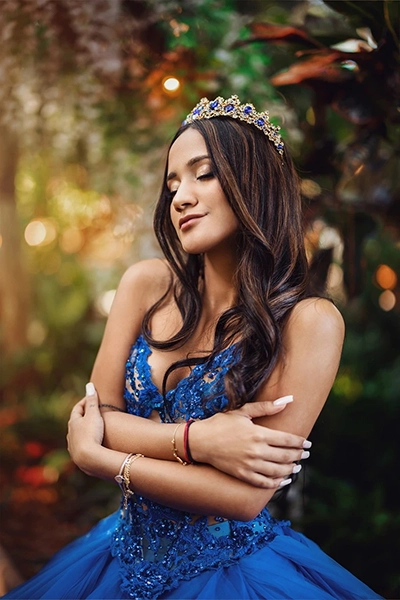
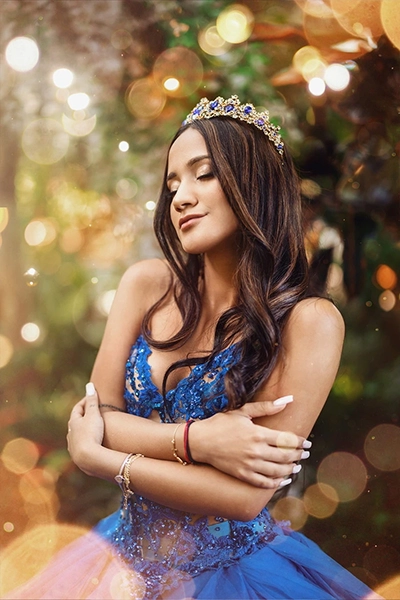
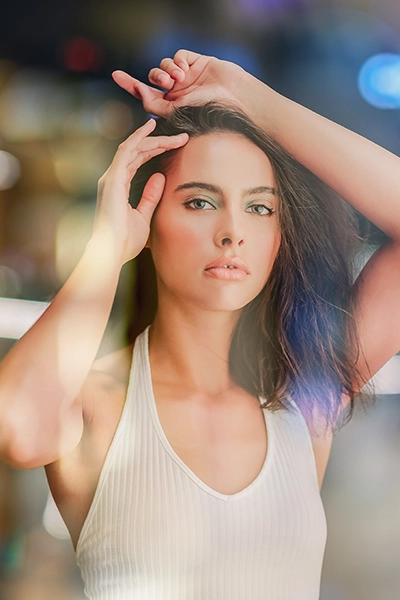
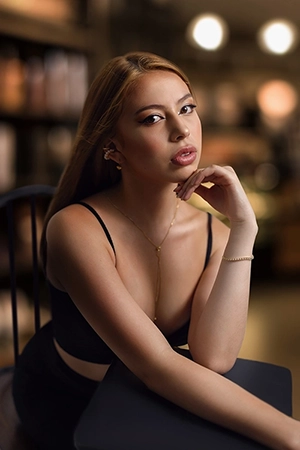
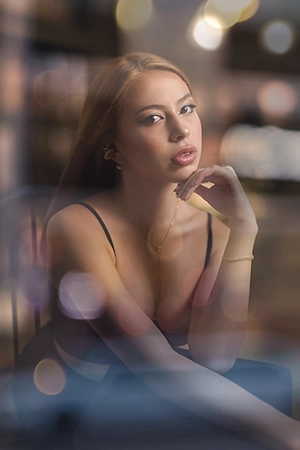
Add Element | Bokeh
Lightroom Basic - Light - Before Lightroom Basic - Light - After
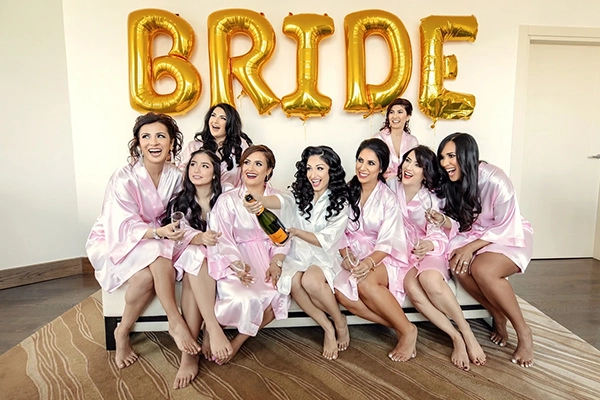
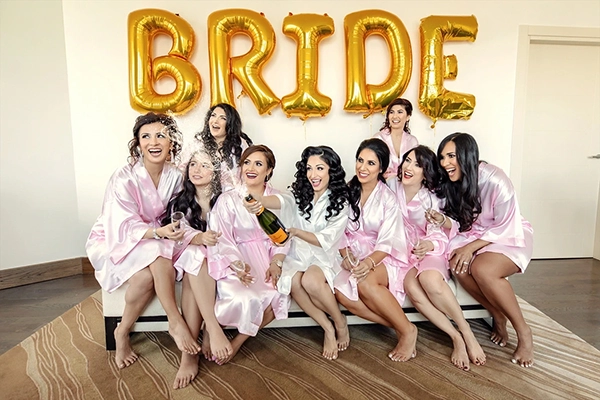
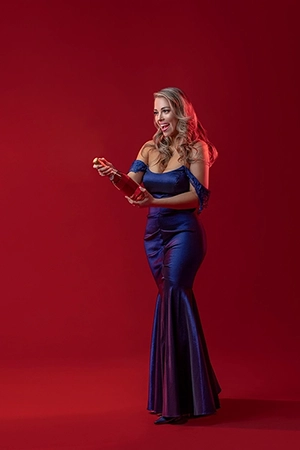
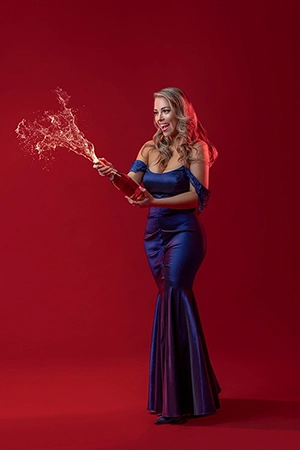
Add Element | Champagne
Lightroom Basic - Light - Before Lightroom Basic - Light - After
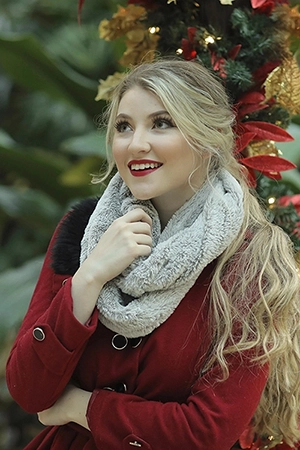
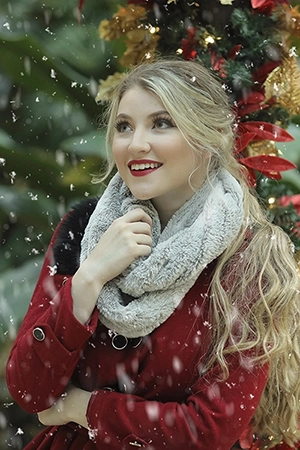
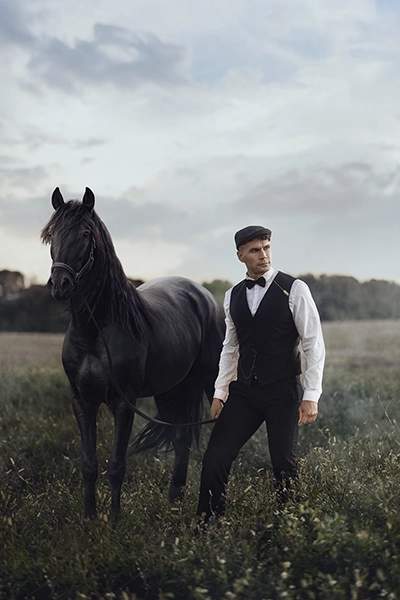
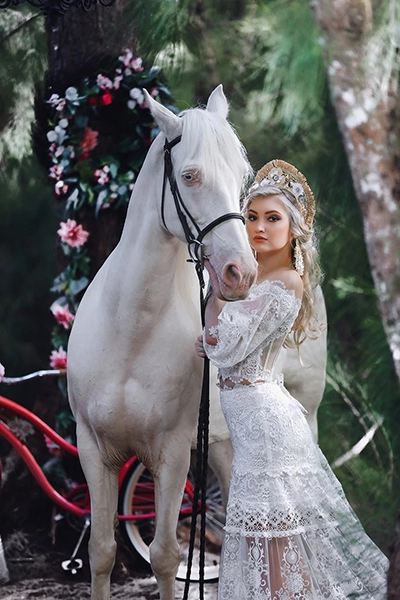
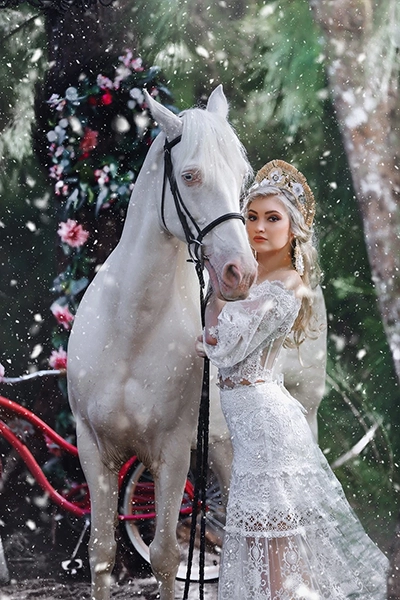
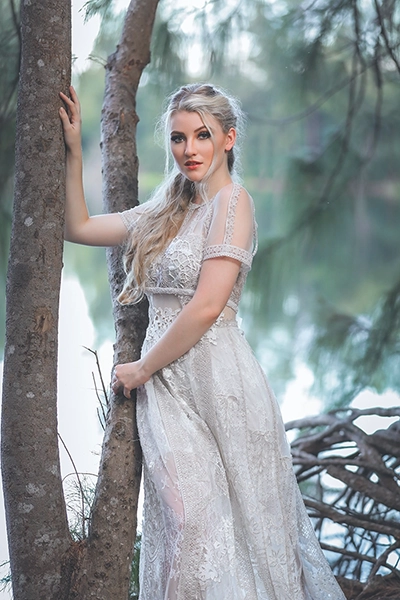
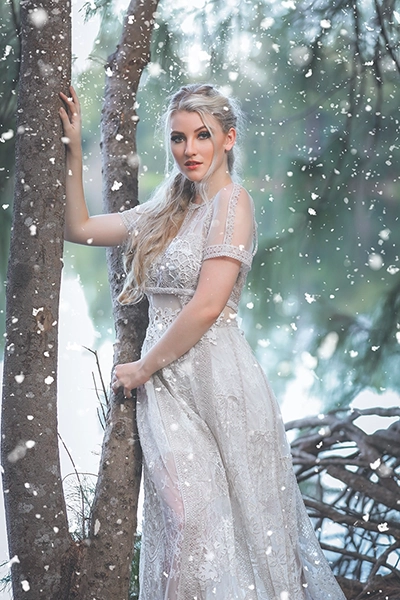
Add Element | Snow
Lightroom Basic - Light - Before Lightroom Basic - Light - After
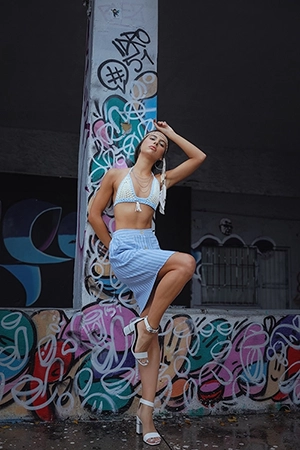
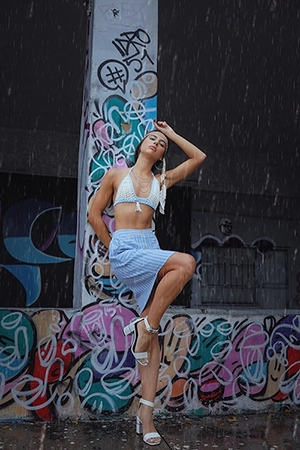
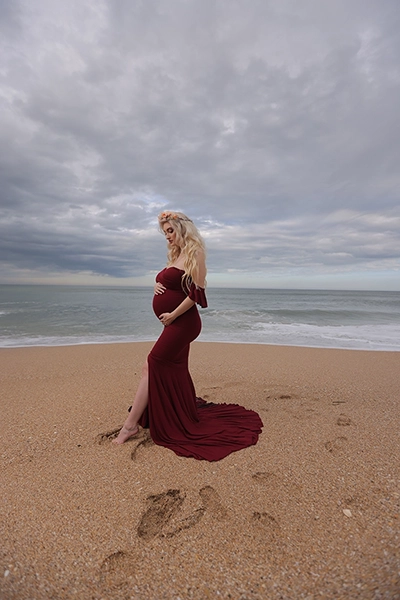
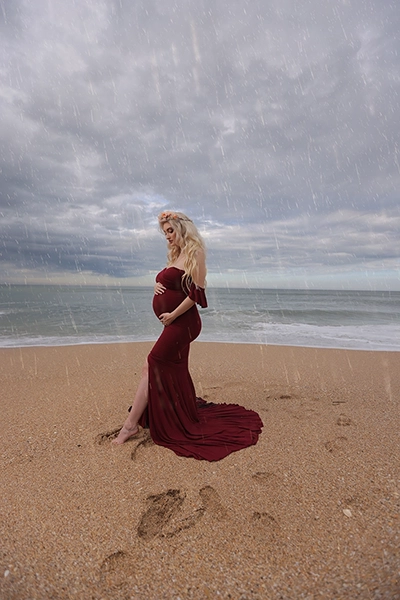
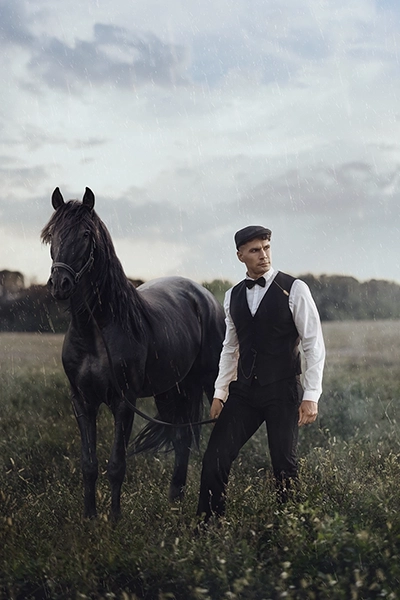
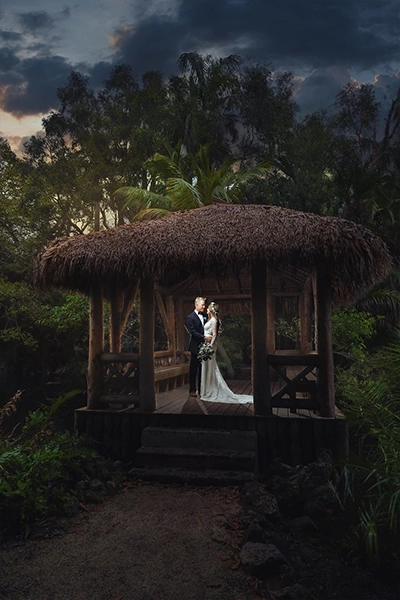
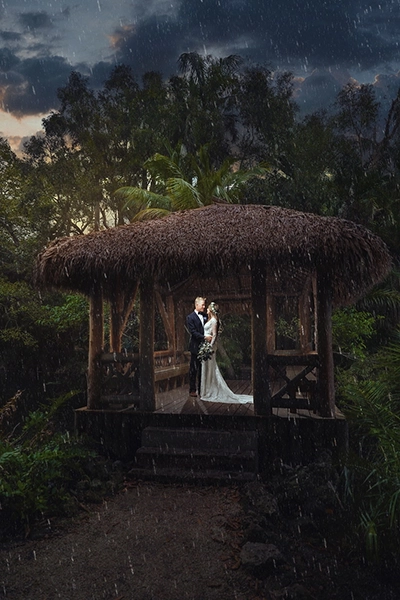
Add Element | Rain
Lightroom Basic - Light - Before Lightroom Basic - Light - After
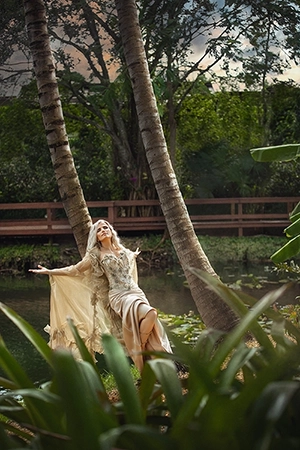
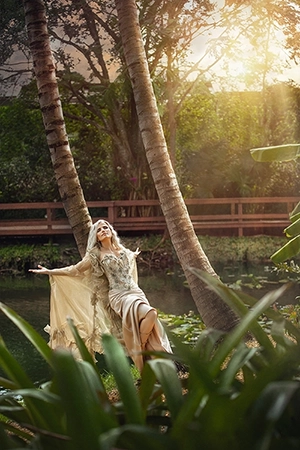
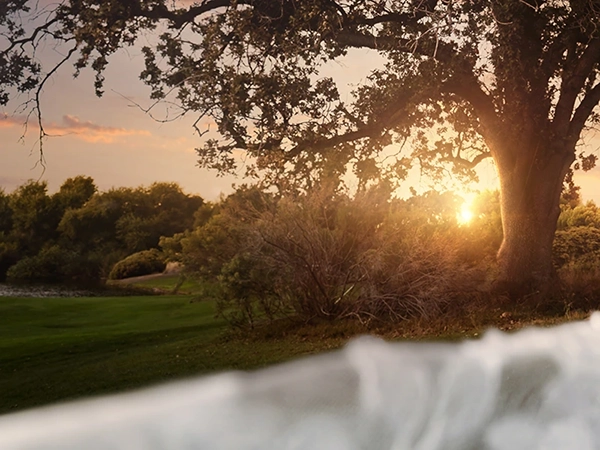
Add Element | Sun Flare

Photo Enhancement

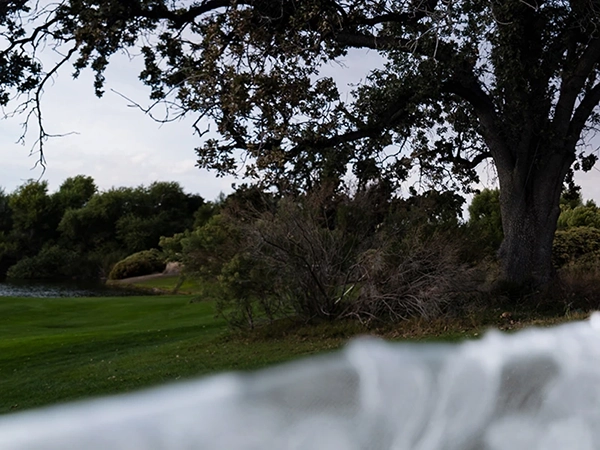
Photo Enhancement ensures that details are visible in dark and bright areas, capturing the maximum amount of detail possible.

Raw Image

Subject Pop-Up

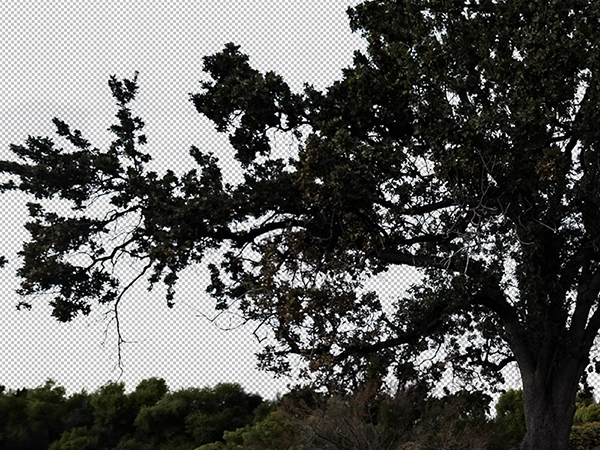
 Subject pop-up makes your main subject stand out by separating it from the background. We carefully cut out the subject so you can tweak the subject and background separately, giving your photo more focus and impact.

Frequency Dodge & Burning

Frequency Dodge & Burning are applied separately to the subject and background. This enhances depth, creates a more artistic effect, and corrects any weaknesses in natural or artificial lighting.

HDR Effect

HDR is applied to capture the maximum details in both dark and bright areas. This minimizes any abnormal noise in the photo. The intensity of the HDR effect can be adjusted according to your preferences.

Brushing

For instance, when changing the sky to a sunset, the effect of color and sunlight needs to be applied consistently across all components of the photo, including both the background and the subject.

Creative Edit

Photo Enhancement

Photo Enhancement ensures that details are visible in dark and bright areas, capturing the maximum amount of detail possible.

Creative Edit Galexia Editing Creative Edit Galexia Editing
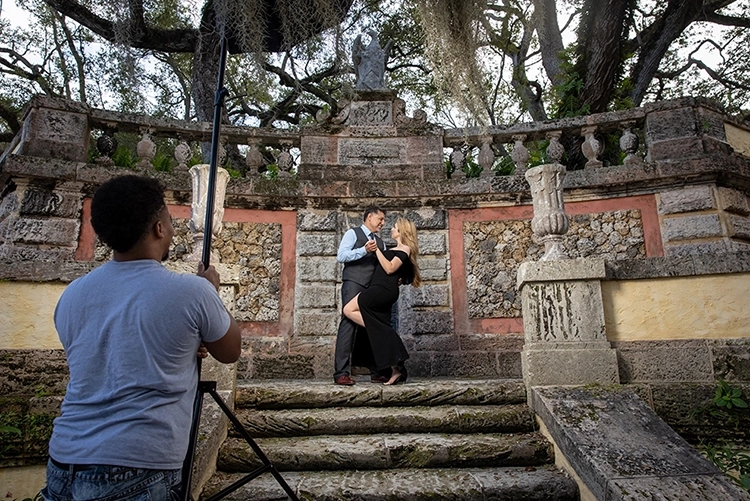
Photographer : Michael Anthony

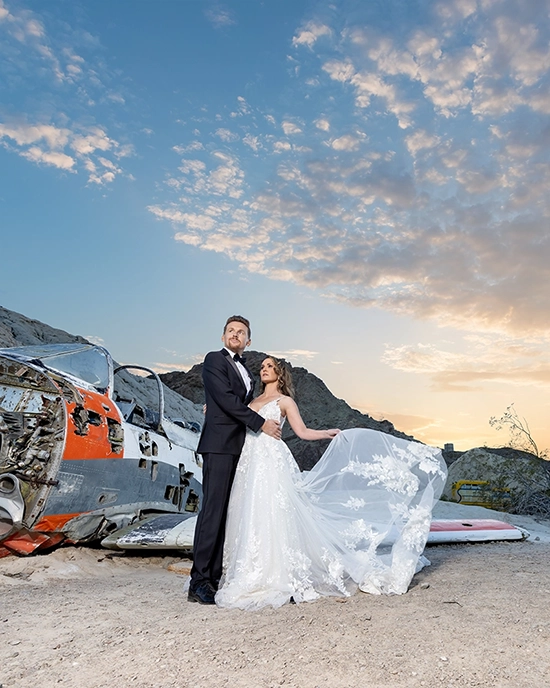
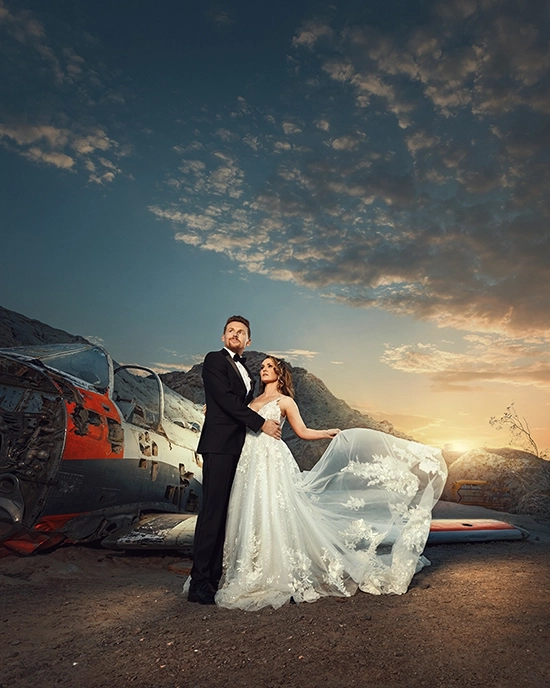
Professional Sky Changing

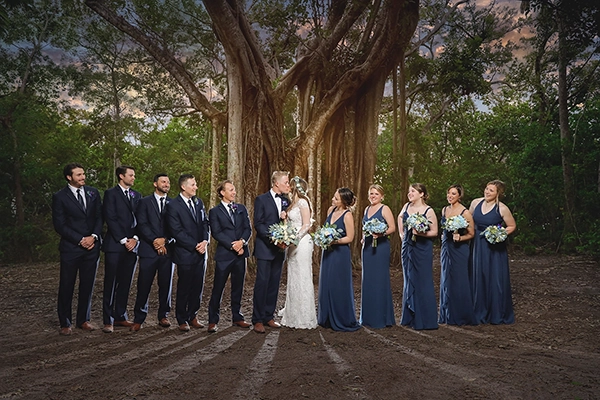
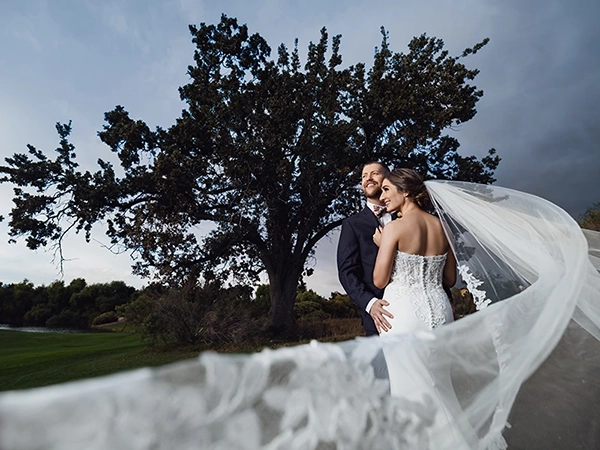
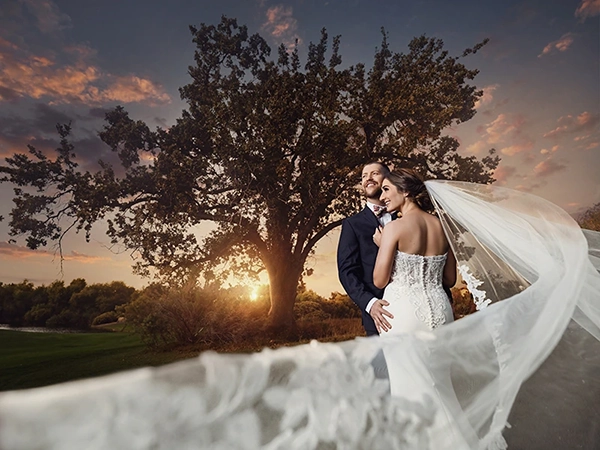
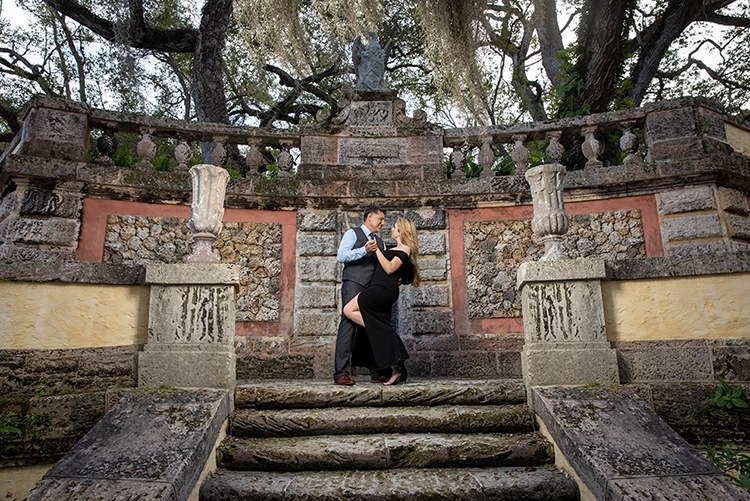
 Transform every photo into a masterpiece with our flawless sky replacement bringing drama and wow to your images. We offer more than just these skies; pick any mood or time of day you want for your image.

Frequency Separation

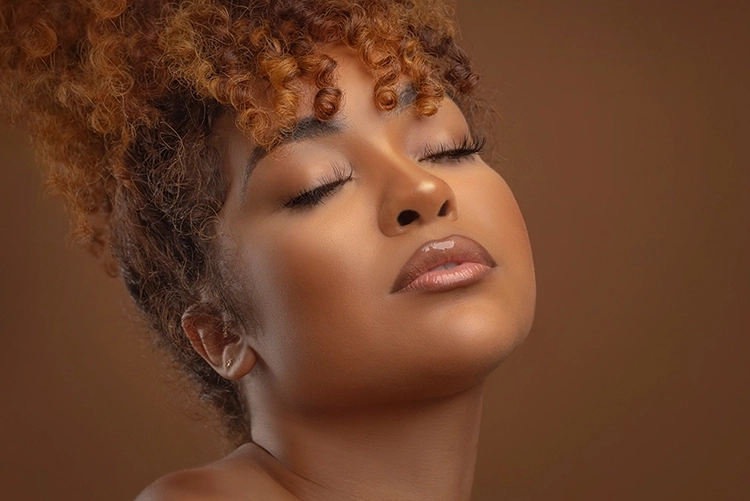
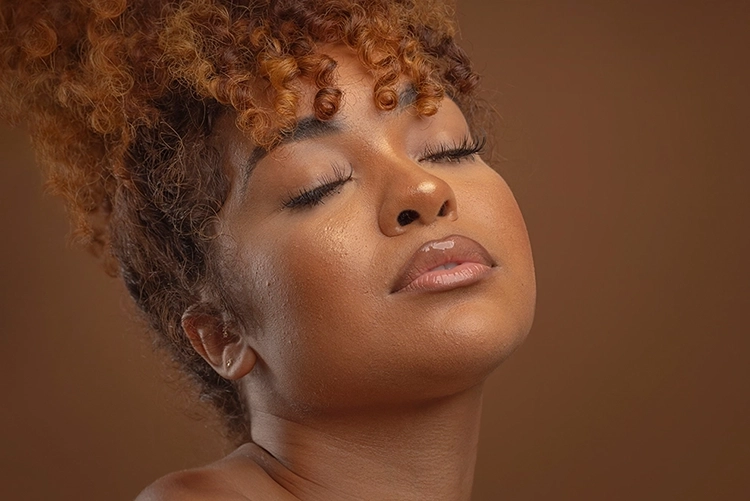
The best retouching technique that is finely tuned to let natural beauty shine  while carefully preserving every detail of the skin for a flawless yet authentic finish. Let perfection continue with our creative edits.

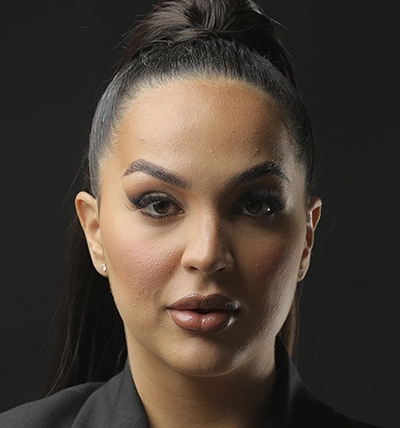
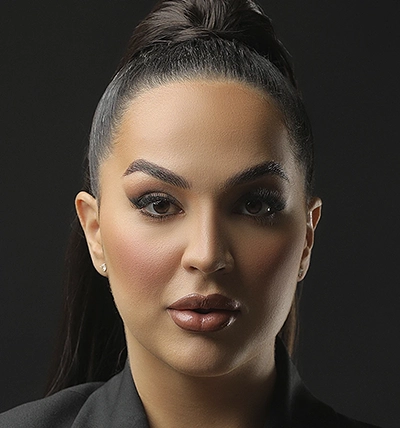
Creative Edit distortion enhancement Before Creative Edit distortion enhancement After

Distortion Adjusting

Distortion adjusting is the process of correcting visual warping or stretching in a photo caused by the lens or camera angle. This correction helps restore natural proportions and straight lines  especially in photos taken with wide-angle or zoom lenses. It can be more or less depending on your desire.

Color Grading

Color grading, involves applying different colors and filters to create a cohesive and stylistic look according to your tastes. It transforms the mood of your photo by manipulating color and light to achieve a desired effect.

Creative Edit Galexia Editing

Light Painting

Color Brushing makes the colors pop out, making them more alive, potent and vibrant, giving a majestic look to your photo. Your photo will end up looking more coherent, as your subject and environment will be lit according to your background and light source.

Photographer : Michael Anthony

See Some Creative Edit Samples

Lightroom Basic - Light - Before Lightroom Basic - Light - After

Creative Edit |

FAQ

The Creative Edit service includes Frequency Separation Retouching, a technique that separates the color and tone of skin from its textures and details, allowing for perfect preservation of texture and detail. The difference between this retouching method with the retouching offered in previous services may not be visible in wide-angle photos, but if you have a photo where the subject covers a large part of the frame, the importance of this type of retouching method becomes significant. In addition, cleaning the makeup and working on the color and optical details of the skin will create a better result. In general, the Frequency Separation Retouching, Liquify and Dodge & Burn in Creative Edit will yield a better result.

Color Correction means adjusting the primary color and lighting of the photos to bring the Raw photo to something more normal-looking. In Color Grading, which is the next step after Color Correction, colors are worked on separately to achieve a set of tones, styles, colors and filters tailored to the customer’s desired style and preferences.

You have the option to request any type of sky you prefer, but it is advisable that the chosen sky is close to the time of the original photography, or at least ensures the lighting conditions match the selected sky.
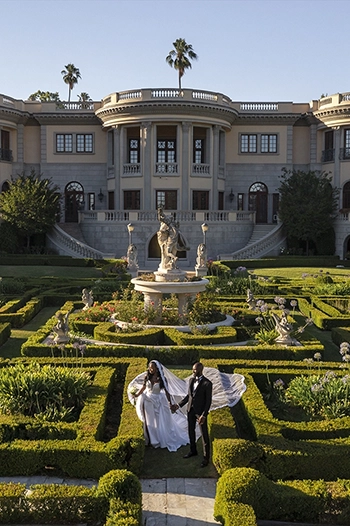
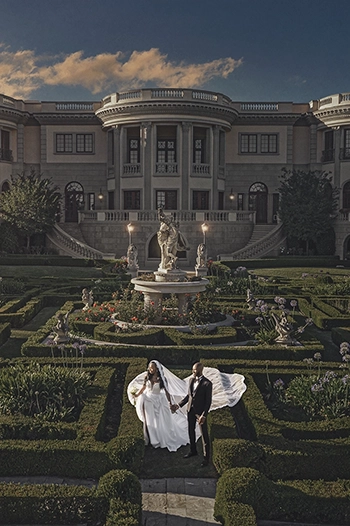
The background changes made in Creative Edit are primarily related to Photo Enhancement. The only thing that changes completely is the sky. If you require changes to the ground, trees, mountains in the background or adding flowing objects like veil, smoke etc. you should consider choosing the Manipulation service.

Add Elements

In this add-on option, elements are seamlessly blended based on the original photography conditions—including lighting direction, lens type, and focal length—to ensure a completely natural and realistic result

In this service, elements are blended according to photography conditions, light angle, lens type, and focal length to ensure they appear completely natural.

Add Sunflare

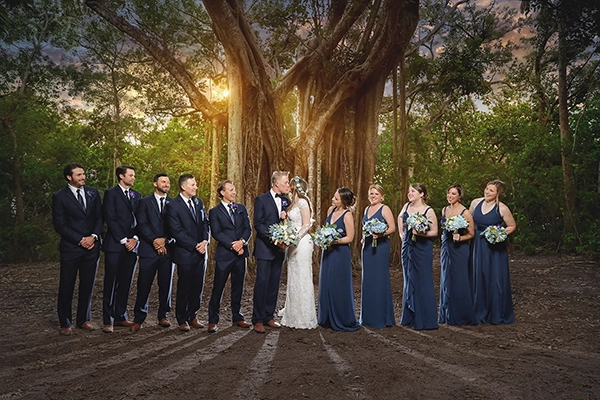
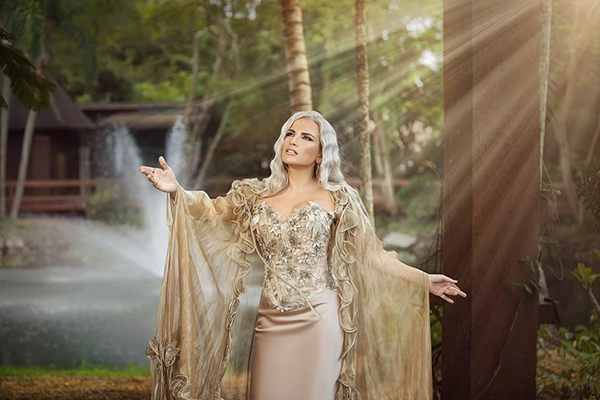
This add-on is used to recreate or emphasize the warm, artistic glow of natural sunlight, even if the original photo didn’t capture the flare. It helps giving your image slightly more pop and an eye appealing look on your edit.
Creative Edit Sun flare Creative Edit Sun flare
Creative Edit Champagne Creative Edit Champagne

Add Champagne

Champagne is one of our most popular add-on elements—ideal for enhancing shots you may have missed or fulfilling special requests from the bride or couple after the shoot. It’s never too late to elevate your images and leave a lasting impression with that elegant, celebratory glow

Add Bokeh

Enhance your photo with a gentle, soft & romantic touch. The out-of-focus background blur that brings warmth, depth, and a dreamy, professional finish. Perfect for portraits, weddings, and lifestyle shots
Creative Edit Bokeh Creative Edit Bokeh

Add Rain And Snow

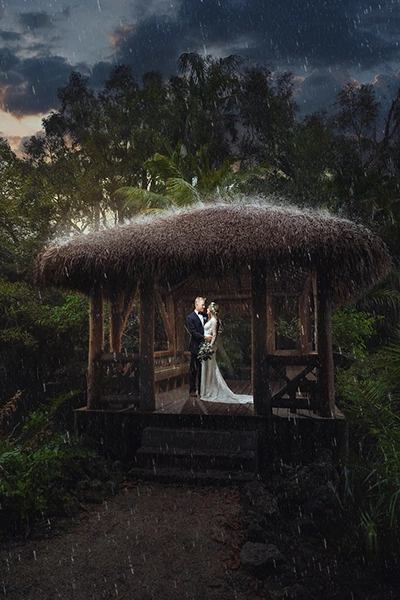
Adding rain or snow to a photo can dramatically transform the mood and storytelling of an image. These effects not only create visual interest but also enhance the emotional tone—whether it’s moody and dramatic or serene and magical.
Creative Edit Rain Creative Edit Rain
Creative Edit Snow Creative Edit Snow
Creative Edit Rain Creative Edit Snow

We provide 2 different rain styles. The version on the left is for creative edits where we add rain in your edit while the version on the right has more impact. We create a more dramatic landing, editing expertise and wow factor to your edit.

Creative Edit Rain Creative Edit Rain

Photo Enhancement

Enhancing photos ensures that details are visible in both dark and bright areas, capturing the maximum possible detail.

Each part of the photo, including subjects, backgrounds and the sky is worked separately to achieve coherence between these components. According to the type of each photo, different techniques may be used to achieve the desired result.

Creative Edit Photo Enhancement Creative Edit Photo Enhancement

Subject Pop-Up

Subject Pop-Up involves separating the subject from the background so that the main subject stands out as the focal point of the photo. This is achieved by completely cutting out the subject, allowing for independent adjustments to both the subject and the background.

Creative Edit Photo Enhancement Creative Edit Photo Enhancement

HDR Effect

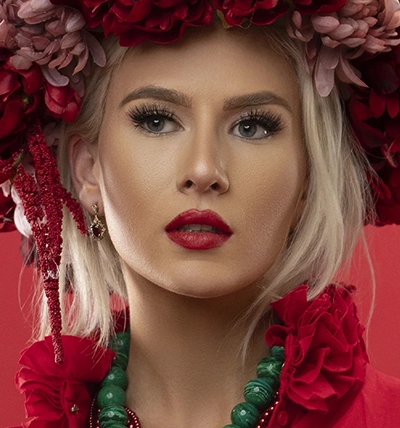
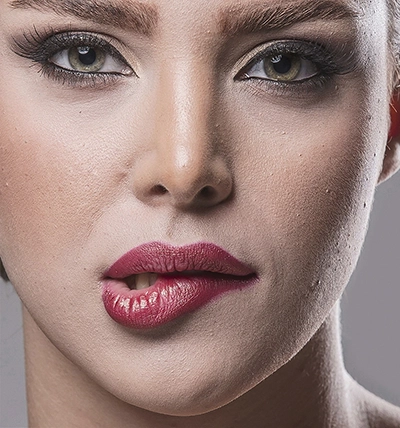
To capture the maximum details in both dark and bright areas, the HDR process is applied professionally, minimizing any abnormal noise in the photo. The intensity of the HDR effect can be adjusted according to the customer’s preference.
Creative Edit Photo Enhancement Creative Edit Photo Enhancement

Frequency Dodge & Burning

Frequency dodge and burning are applied separately to the subject and the background to enhance depth, create a more artistic effect, and correct any weaknesses in natural or artificial lighting.

Creative Edit Photo Enhancement Creative Edit Photo Enhancement

Remove Light & Match

In some cases, Dodge and Burning is not able to solve the problems of lighting and removing harsh shadows and highlights by itself. In order to solve this, a combination of removal techniques and the use of brushes and adjustments are used in order to achieve uniform and smooth surfaces.

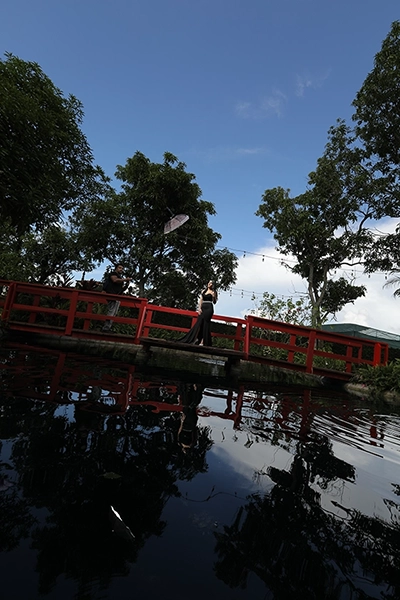
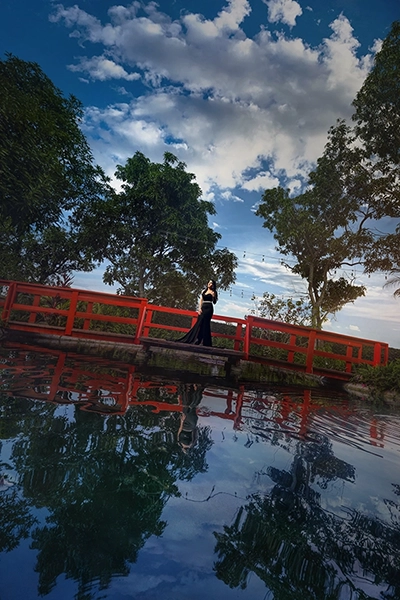
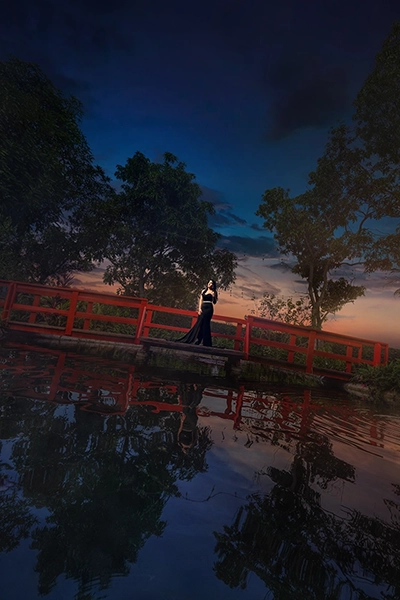
Professional Sky Changing

Make every photo a masterpiece with our seamless sky changing.

Sky Changing Stage

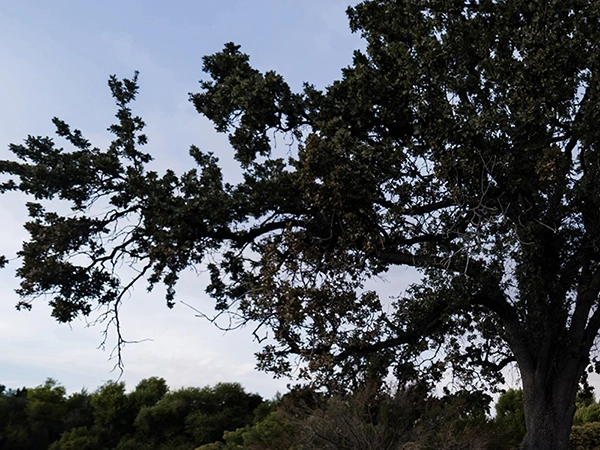
Sky changing is where we swap out your original sky for something more exciting like a dreamy sunset, moody clouds, or bright blue skies. It’s the first step in turning an ordinary photo into something truly eye-catching. Your masterpiece starts here

Before & After

Chromatic Aberration

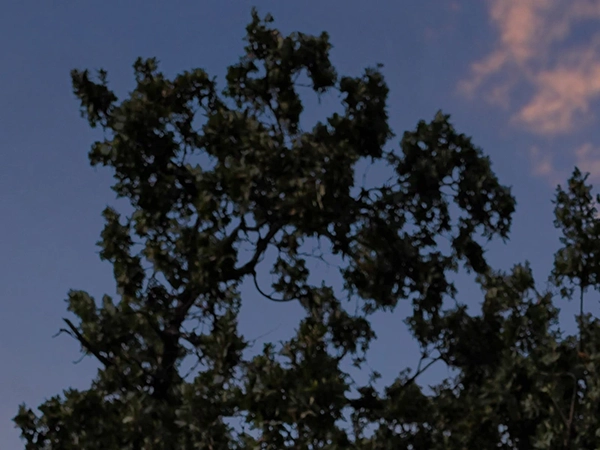
Sky Removing

Match Brushing

Creative Edit Sky Replacement Creative Edit Sky Replacement

This Is How It’s Done!

Sky Style

We can change the sky to portray a different time of day/night and mood, based on your desired taste and artistic vision.

Creative Edit Sky Replacement Creative Edit Sky Replacement
Creative Edit Frequency Retouching

Frequency Retouching

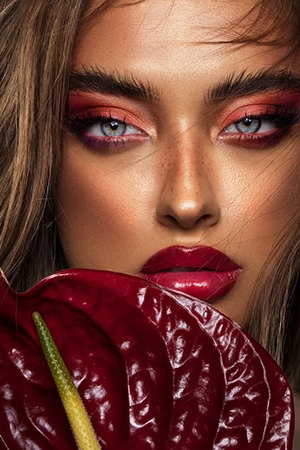
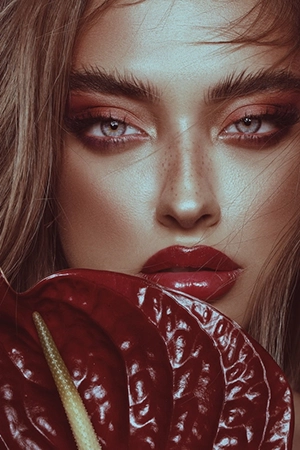
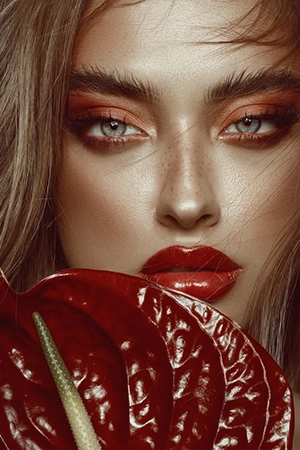
With frequency retouching the ultimate perfection to skin retouching is possible. This way, we can fix things uneven skin or blotchiness without losing the natural texture—so your photo looks polished.

The difference between frequency separation and the retouching in other services is all in the details. With frequency separation, we preserve the skin’s natural texture so it looks smoother, more refined, and still beautifully real.

In addition to focusing on skin details, Frequency Separation pays special attention to shadows and highlights, the cleanliness of makeup, the unity of skin color and light, and the details of the hair.

You can choose from these four styles of our Frequency Retouching

Natural Mode

Creative Edit Frequency Retouching Creative Edit Frequency Retouching

Colorful Style

Creative Edit Frequency Retouching Creative Edit Frequency Retouching

Cool Style

Creative Edit Frequency Retouching Creative Edit Frequency Retouching

Warm Style

Creative Edit Frequency Retouching Creative Edit Frequency Retouching

Distortion Removal

Remove Lens Distortion and Create Symmetry in The Photo

Distortion removal means removing the asymmetry caused by the distortion of the lens and the angle of photography, which usually occurs in wide-angle photos.

Normal

In normal mode, only leveling of the photo is done as normal where the photo is taken unleveled.

Creative Edit Distortion Removal Creative Edit Distortion Removal

Full

It depends on your request. If you even want the lines of the buildings to be completely leveled, it will be done However.

Creative Edit Distortion Removal Creative Edit Distortion Removal

Medium

No matter how distorted the photo is, the distortion will be removed as much as needed. Please note that if you don’t request Distortion Removal, only leveling and creating symmetry will be performed.
Creative Edit Distortion Removal Creative Edit Distortion Removal

Color Grading  | 3D LUTS

Personalize your style with color grading. There are endless possibilities to explore with colors, showcasing their magic in every shot.

Despite color correction, which aims to normalize color and light, color grading alters these elements to evoke different moods and feelings. It tailors the photo’s appearance according to the type of photography, lighting, and the customer’s taste.

The Difference Between Color Correction and Color Grading

Color correction adjusts the primary color and light of a photo to bring it to a natural and realistic state as perceived by the eye.

Color grading, which follows color correction, involves applying different colors and filters to create a cohesive and stylistic look according to the customer’s taste. It transforms the photo’s mood and appearance by manipulating color and light to achieve a desired effect.

Color Correction

Creative Edit Color Grading Creative Edit Color Grading

Color Grading

Creative Edit Color Grading Creative Edit Color Grading

In Color Grading, the color and light of the photo changes according to your taste.

Color Correction means adjusting the primary color and lighting of the photos to bring the raw photo to something normal looking for the eye. But in Color Grading, which is the next step after Color Correction, different colors are worked on to finally become a set of desired colors and filters according to the customer’s taste and style.

Color Grading involves various adjustments.

Color grading is applicable to both outdoor and indoor photos, enhancing their style and mood regardless of the setting.

Creative Edit Color Grading Creative Edit Color Grading

Light Painting

Light Painting can be likened to painting picture

All the details of the photo are worked with great care so that the colors pop out wherever they are needed.

Creative Edit Light Painting Creative Edit Light Painting

For instance, when changing the sky to a sunset, the effect of color and sunlight needs to be applied consistently across all components of the photo, including both the background and the subject.

With great attention to detail, color brushing can enhance the photo to achieve a great level of potency in each color.

Creative Edit Light Painting Creative Edit Light Painting